What Bookly Does: Booking, CRM, Finances and Your Page in One Place

ELROI
One System Instead of Four
A typical service business lives in four different places: bookings in a messenger, clients in phone notes, money in a notebook or a spreadsheet, and the price list and portfolio behind an Instagram bio link. Each tool works well enough on its own, but nothing connects them, and it is at those seams that clients and money get lost.
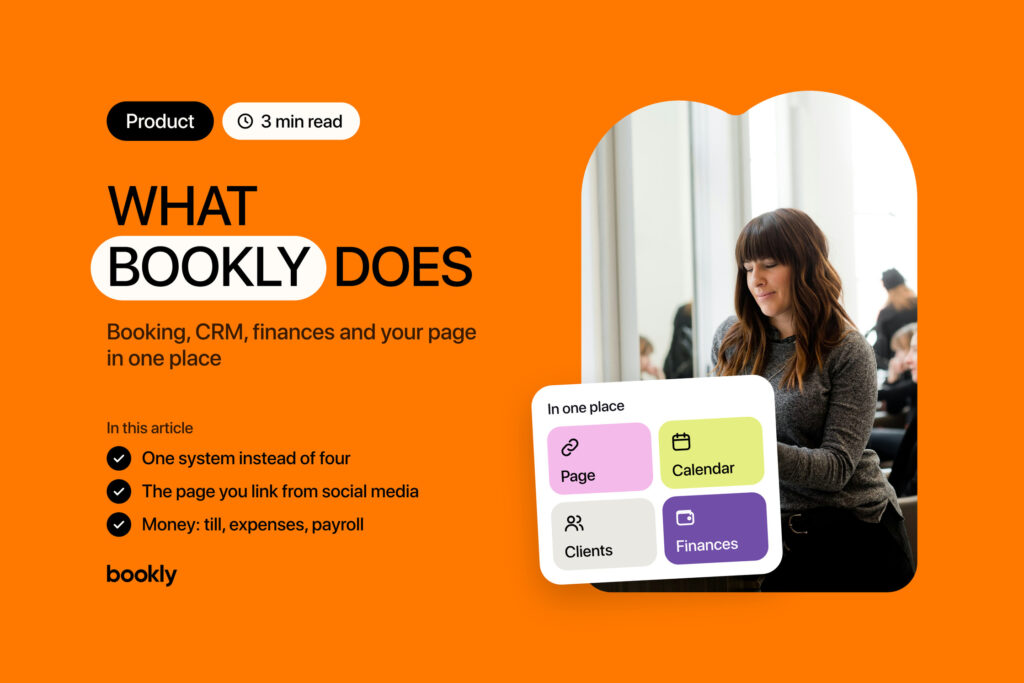
Bookly puts it in one system: the page people book from, the calendar the booking lands in, the client card that keeps the history, and the finances that count the result. Here is what works today.
The Page You Link From Social Media
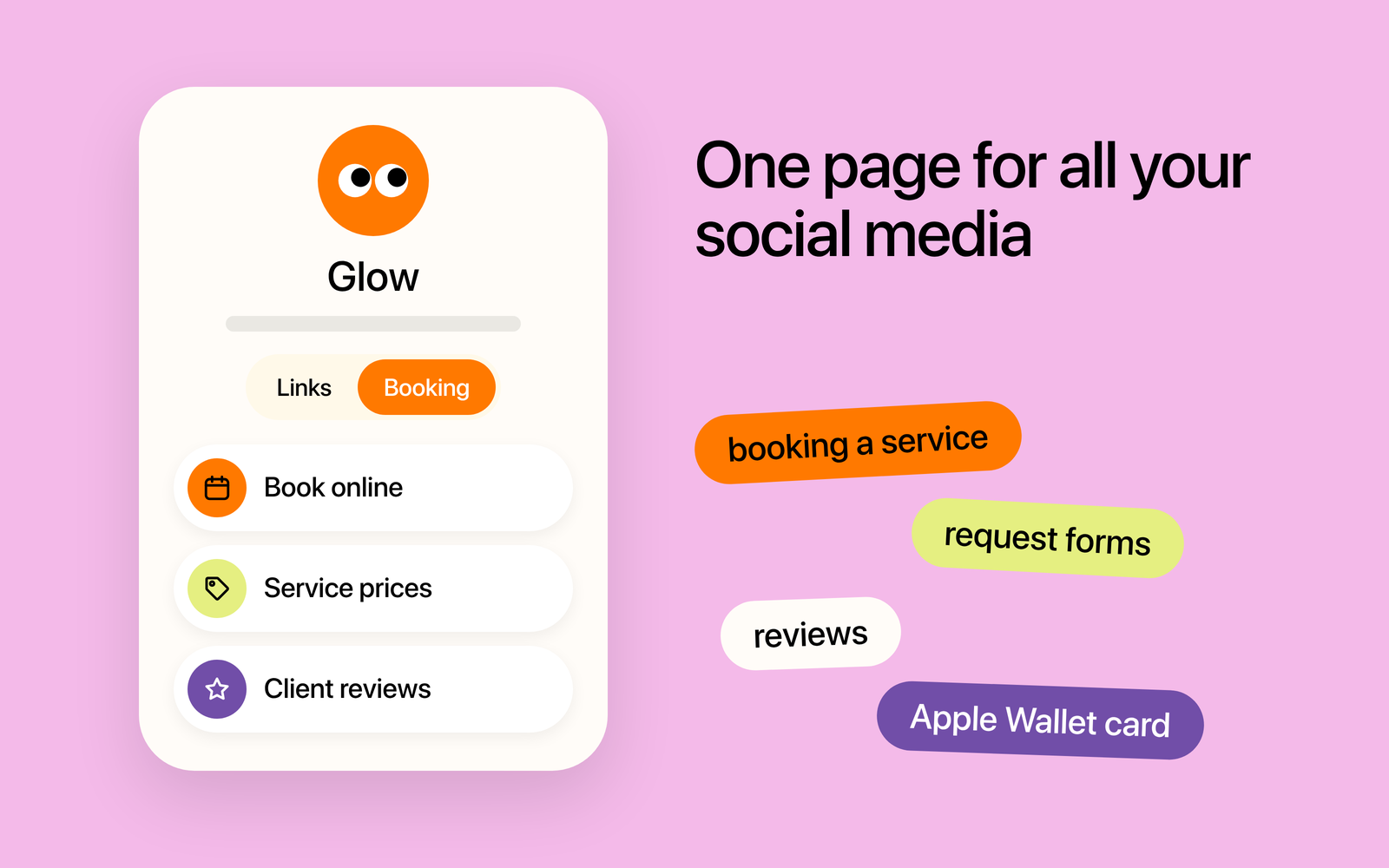
This is what the client sees first. The page is built in an editor: services, links, portfolio, booking form, reviews, digital products. It can run on your own domain, and short links and a QR code bring people to it from offline.
The page carries:
- booking a specific service with its duration and price;
- forms whose submissions land in your workspace;
- reviews with replies from the business;
- selling digital products;
- an Apple Wallet card and an NFC business card.
Calendar and Bookings
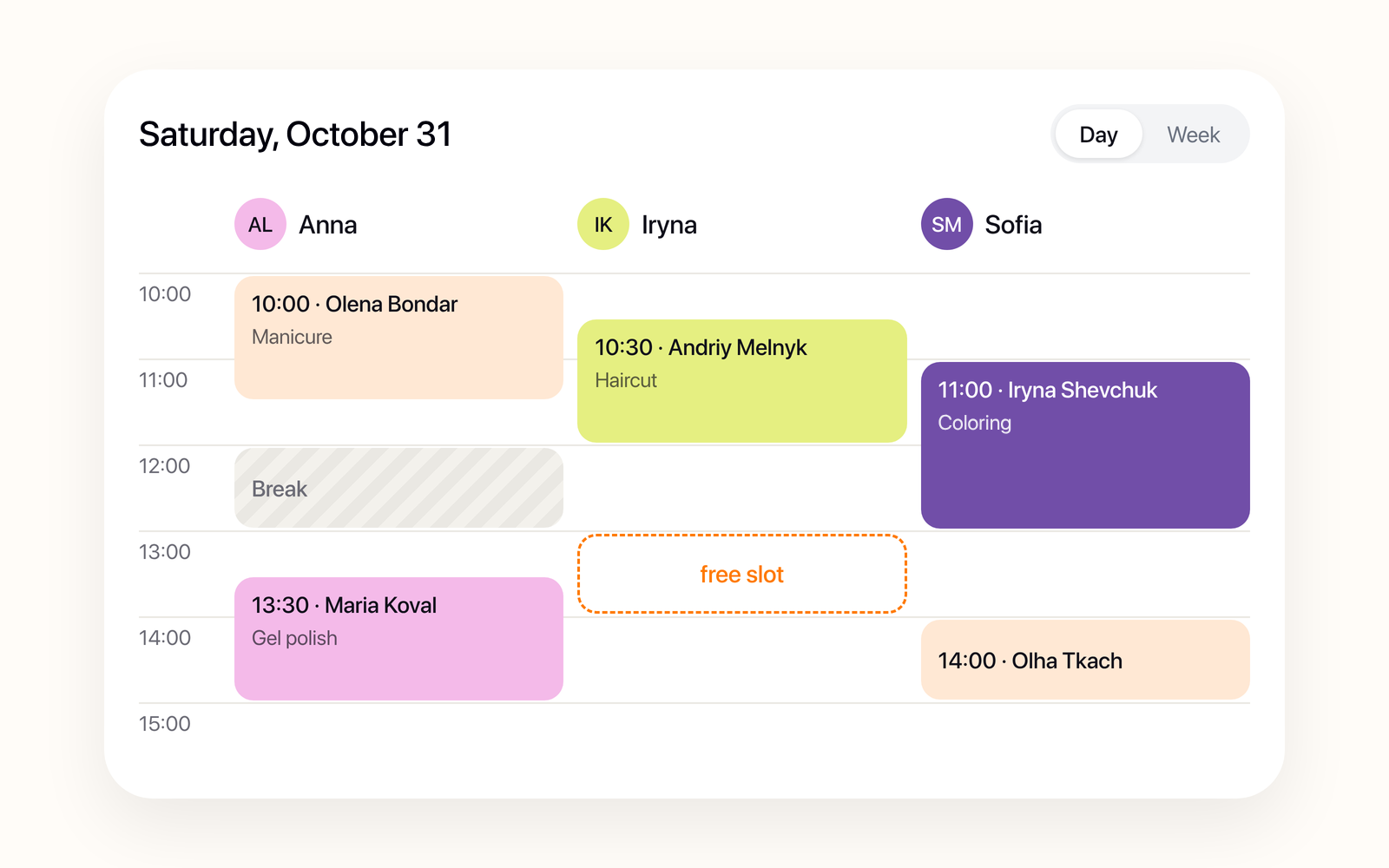
The calendar is the centre of the working day. It shows each stylist’s load, breaks, working hours and free slots. A booking can be created, moved or cancelled, and the client can do the same from the booking page.
Work schedules are set per person, so online booking only ever offers the hours somebody is actually working.
Clients, Leads and Reviews
Every booking leaves a trace on the client card: visit history, notes, photos of the work, contact details. Submissions from forms and messages land on a leads board with statuses, so no request is lost between “they wrote” and “they booked”.
A client base is not a list of phone numbers. It is what lets you bring someone back for the next treatment without chasing them by hand.
Money: Till, Expenses, Payroll
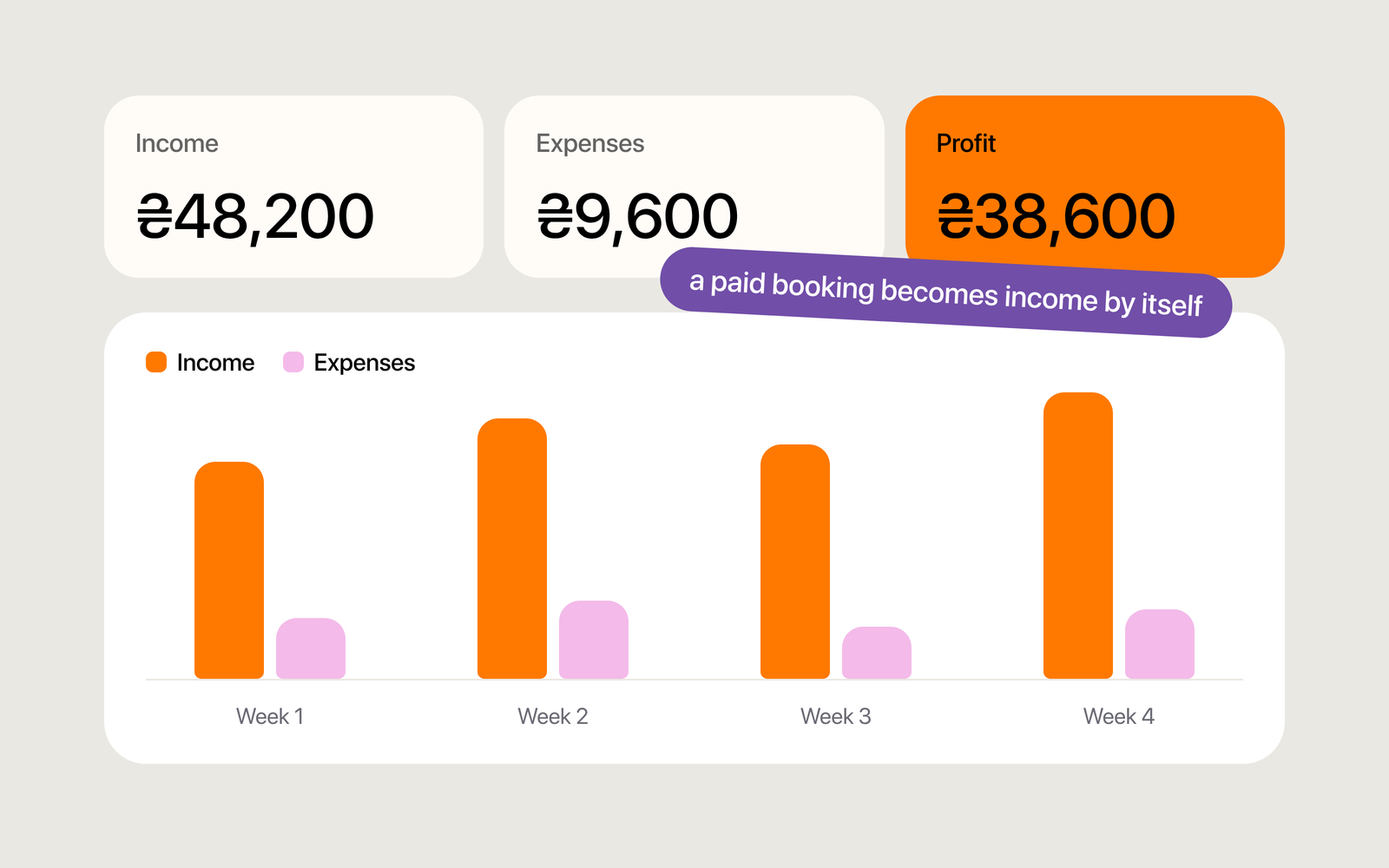
The finance side counts more than income. There is a till and operations, expense categories, recurring payments such as rent, reports for a period, and payroll for stylists on the rules you set: a percentage, a rate, or a mix of both.
This is the part cheap appointment books usually skip, and the reason salons keep a separate spreadsheet. Here it sits next to the calendar, so the numbers match the visits that actually happened.
Team and Access
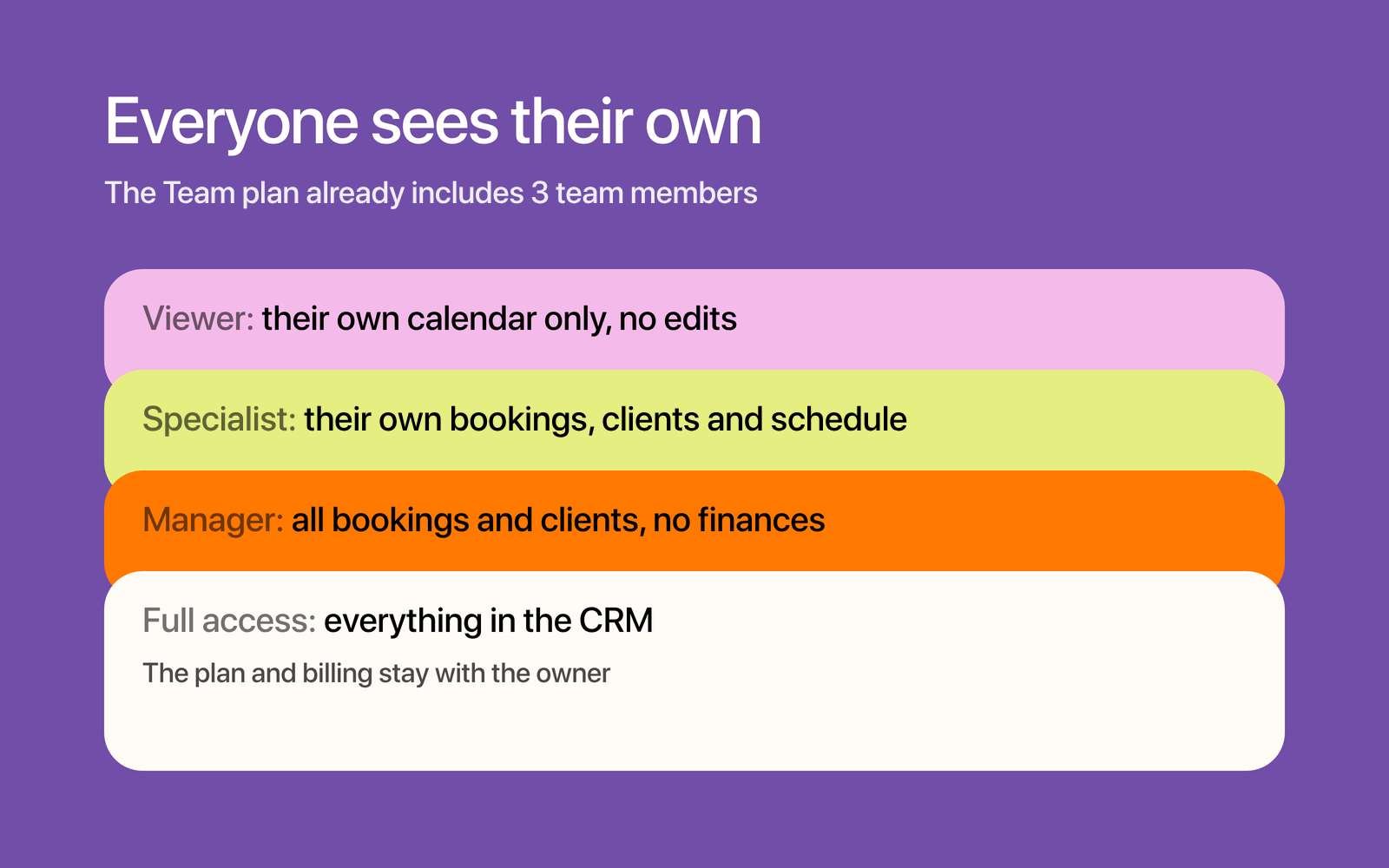
Roles decide who sees what: a stylist works with their own schedule and clients, an administrator runs the bookings, the owner sees finances and analytics by person and by service. That removes the choice between giving everyone access and doing everything yourself.
What We Are Preparing
Honestly, about what is not there yet:
- SMS reminders — for now reminders go through the Telegram bot;
- online payments and deposits for a visit;
- mobile apps — the workspace still opens in the phone’s browser.
We say this plainly, because promising things in a price list that the product cannot do is the shortest way to lose trust. When these ship, they will appear in the plans and in this article.
Enjoyed the article?
Share it with colleagues, friends, or business owners — it might help them avoid common mistakes.