How to reduce client no-shows: causes and fixes

ELROI
What a no-show really costs
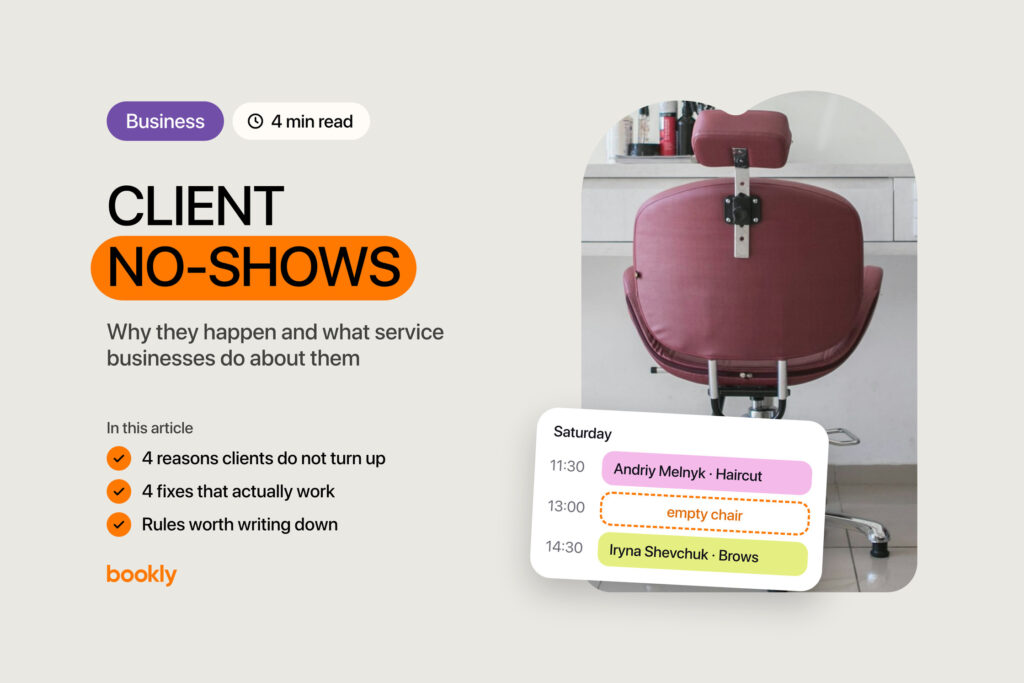
It’s 10 a.m., everything’s ready, and there’s no client. You text them and hear nothing. You look at the empty hour on your calendar and wonder, again, how to reduce client no-shows.
Count what that hour costs: the price of the service, your prep time, any materials you’ve already used, and the client who asked for that time and heard “we’re full.” No-shows don’t come evenly, either: a quiet week, then three empty slots on one Saturday. So work on the causes, not the symptom. There aren’t many, and almost every one depends on how your booking works, not on your clients’ character.
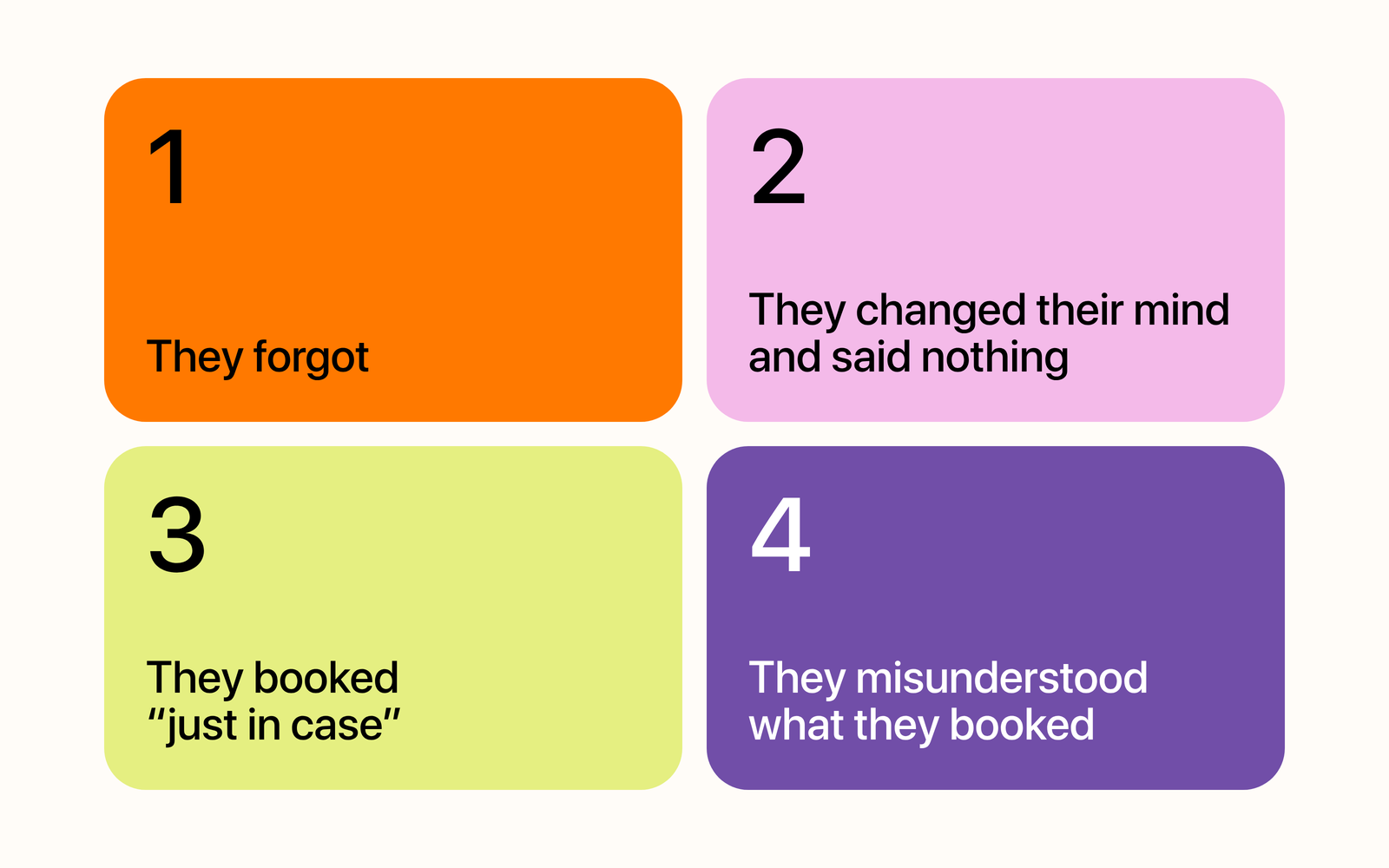
Why clients don’t show up
They forgot
This one’s the quickest to fix. They booked two weeks ago in a chat, the message got buried, and nothing landed on their calendar. That’s where reminders help: one the day before and one a few hours before.
They changed their mind and said nothing
Canceling is awkward: write a message, wait for a reply, maybe explain why. Quietly not showing up feels less awkward. When one line with no explanation is enough, the time frees up ahead of the visit, and you can still offer it to someone else.
They booked “just in case”
A client holds slots with two different specialists, or keeps one while their plans settle. That usually means the booking costs them nothing: no confirmation, no deposit, not even a reply.
They misunderstood what they booked
They thought they’d be in and out, but the treatment takes two hours. Or they expected a different price. These no-shows start at the moment of booking, when a service is one word with no duration and no price. So put both on every service.
What actually reduces no-shows
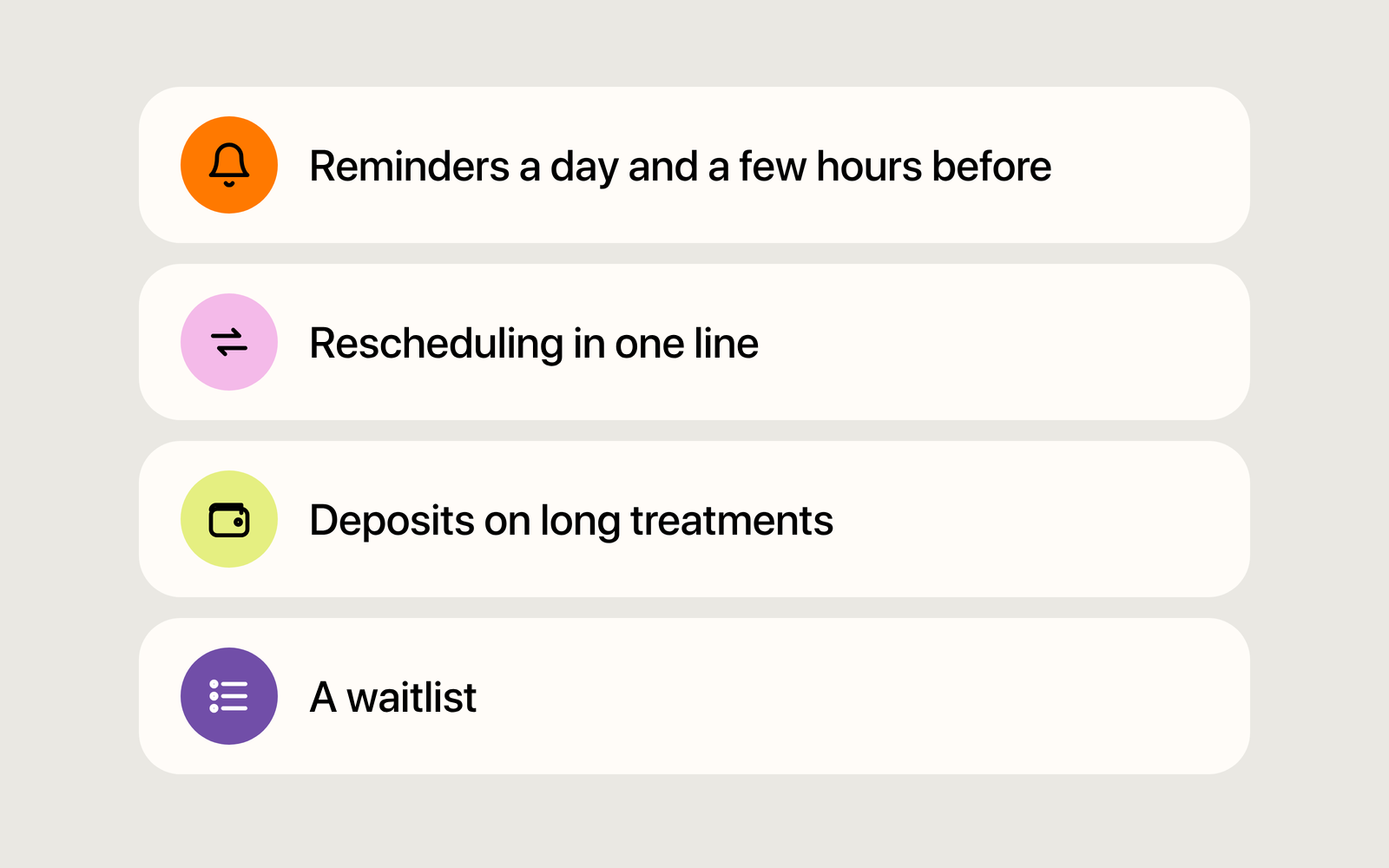
Reminders a day and a few hours before
Reminders reduce no-shows when they go out every time, not when you get around to them. Send the first the day before: if the client can’t make it, you still have time to fill the slot. Send the second a few hours before, for anyone who’s forgotten since. In Bookly, clients get a text reminder, by default the day before: you can change the time and turn on a second reminder.
Rescheduling in one line
It sounds backward: why help a client back out? Because they won’t show up anyway. The only question is whether you hear about it a day ahead or when the slot’s already empty. Tell clients up front that one line is enough to move a booking, no explanations or apologies. Then some cancellations turn into rescheduled bookings. In Bookly, clients can’t move or cancel a booking through a link: they message you, and you change it. Your phone number is in the reminder text, so they know where to reach you.
Deposits on long treatments
The point isn’t the amount, it’s the agreement: people treat time they’ve already paid for differently. A deposit doesn’t guarantee a client shows up, but now a “just in case” booking costs something.
A sensible middle ground: a deposit only on long treatments that use a lot of materials, and none on a haircut or a manicure. Bookly doesn’t take payments online: the client sends you the money and you add a “Deposit” in “Finance”. It isn’t tied to the booking: once the booking is paid, void the deposit, or that amount counts as income twice.
A waitlist
When a slot frees up three hours before the visit, it’s lost unless someone hears about it. Keep a list of clients who asked for an earlier time and message them right away. A waitlist instead of an empty chair costs you a few messages. Bookly has no separate waitlist for bookings, so keep yours in “Tasks”.
A cancellation policy worth writing down
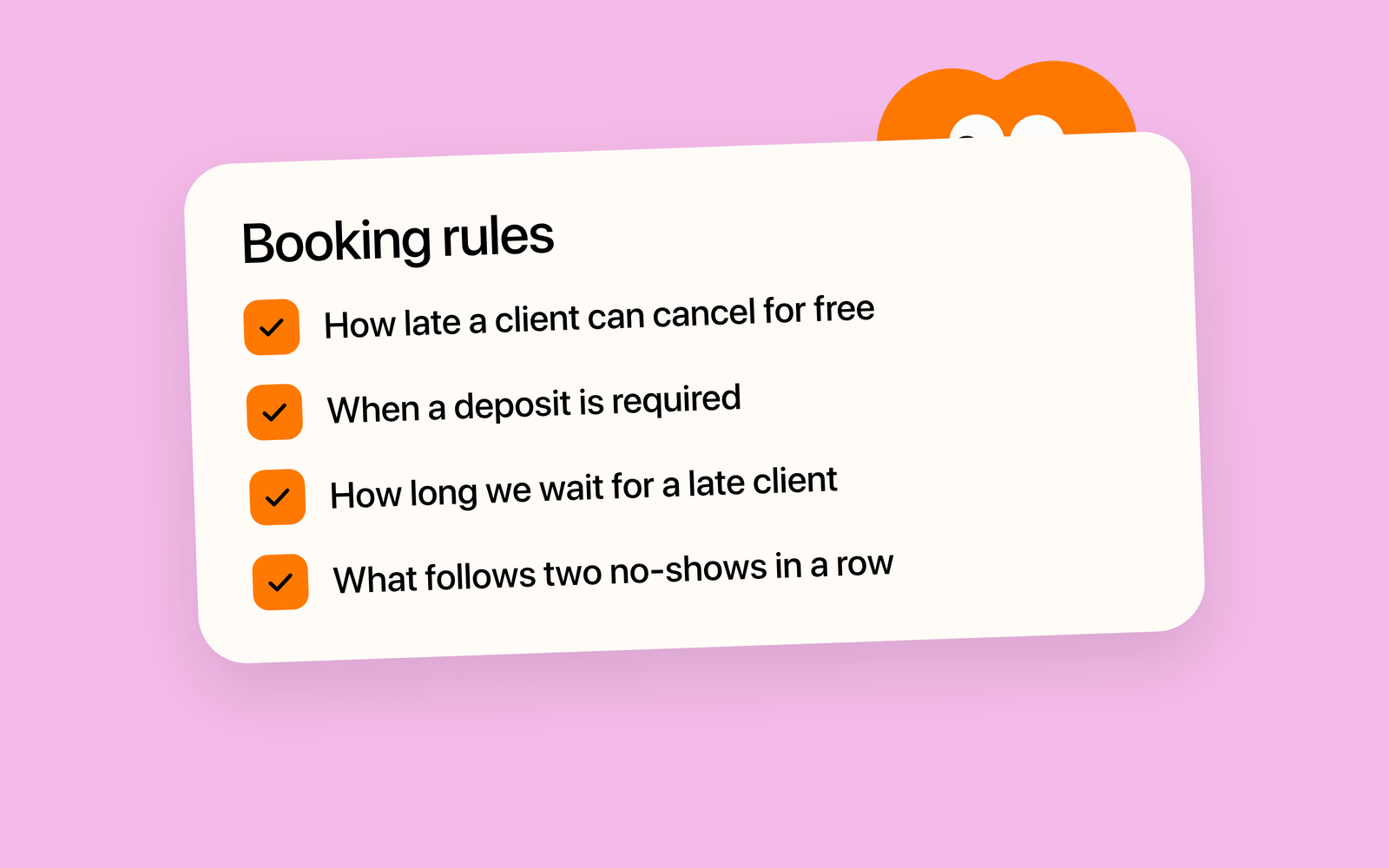
Rules work when they’re short and clients see them before they book:
- how many hours ahead a cancellation is free;
- when a deposit is required and what happens to it on a late cancellation;
- how long you’ll wait for a late client;
- what follows two no-shows in a row.
The last one is the delicate part. Nobody should pay for being sick once. But a client who keeps not showing up should book with a deposit, or you’re the one paying for that hour. Word it the way you’d write it in a chat: “If your plans change, please message me at least a day ahead. After that, the deposit isn’t refunded.” In Bookly, this text goes in “Booking policy”: up to 300 characters, and clients see it before they book.
No-shows never disappear entirely. The goal isn’t zero, it’s hearing about them early enough to offer the time to someone else.
How this works in Bookly
The advice above works with a paper notebook too. In Bookly, clients book on your business page and see the service, its duration and its price right away. By default they enter a code from a text, and the booking waits for you to confirm it. After booking, “Add to calendar” puts the visit on their own calendar.
To get reminders going, press “Turn on reminders” in “SMS center” and confirm new bookings: a “New” booking gets no reminder and cancels on its own. If a client booked and didn’t show up, cancel the booking with the reason “No-show”: it stays on the “History” tab of the client’s card. Next time, you’ll know who to ask for a deposit.
Enjoyed the article?
Share it with colleagues or friends. It might save them a few common mistakes.