







Mon
14
Open bookings for group classes and personal training from one link. Clients see the timetable, pick a trainer and a time, and attendance, payments and contacts stay in the Bookly CRM.
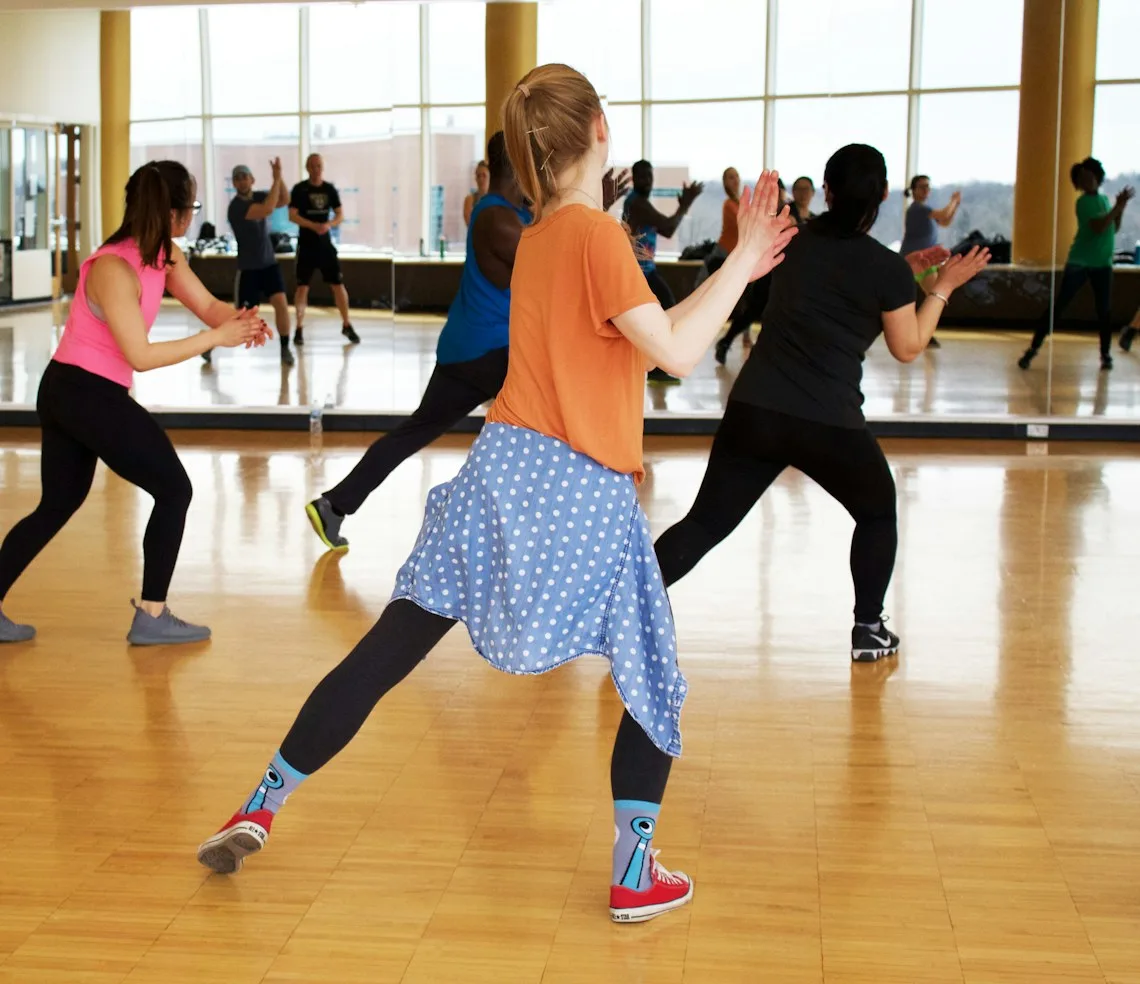
Move the timetable into Bookly and open booking to clients. No separate website and no technical work.
Add classes and trainers
List the formats, their length and prices. Assign trainers to classes.


Move the timetable in
Add the floors alongside the trainers and set the hours of each. Bookly shows clients only the free hours.
Share the link
Put the link in Instagram, on the site and in ads. New bookings land in the calendar.
 What the club gets
Bookly helps a fitness club fill its classes, keep the timetable straight and bring back the people who have stopped coming.
 Fuller classes
Clients see the week ahead, the free hours and who is teaching. They book from a link, with no back-and-forth in DMs and no calls to the desk.
 A timetable of group classes and personal sessions
Booking open to clients around the clock
One link for social media, the site and ads
 Fewer no-shows
Every trainer has a column of their own in the calendar, so classes cannot overlap. Reminders before a session cut the number of people who book and never arrive.
A column of its own for every trainer
Group classes and personal sessions in one calendar
A reminder before the session
People coming back
Attendance history shows who comes regularly and who stopped after a few sessions. Use it to write in time and to offer the format they actually train in.
Attendance history for every client
Trainer notes and the client’s goals
The date of the last visit on the client card
 Everything class booking needs
Clients see the club timetable and book themselves, at any hour and from any device.

Booking in two taps
A client picks a class in the timetable and confirms the booking. No calls, no sign-up, no waiting for an answer.

Free hours shown live
The timetable shows which hours are still free and which are taken. A taken hour is never offered twice.

Fewer messages
Formats, prices, length and the timetable sit in one place, so the desk does not type the same answer all day.

Booking from a phone
The club page works the same on a phone, a tablet and a desktop, so clients book where they found you.
 The result in numbers
At seven, when the floor is at its busiest, nobody queues to ask whether tomorrow’s cycling class still has a free hour. Clients see the timetable and book themselves.
Try for free
24/7
Clients book classes at any hour

3 min
To add a new class to the timetable

100%
Of reminders go out automatically

30+
Integrations, calendar and Telegram among them


(4.9/5)
50+ businesses already run on Bookly
Fewer Lost Leads.
More
Loyal Clients.
Attract clients, take bookings, automate communication, and track results — no complicated setup.

Ask it here. The answer appears under your question and lands in your inbox, and stays on the page for the next person looking for the same thing.
Marcus
Awaiting an answer
Bookly has no counter of places. You set a class up with its own trainer, length and price, and a taken hour disappears from the booking page. If the club has several places at one hour, each is added as a member of staff with a schedule of its own, so the calendar shows which of them are taken.
Yes. You add a floor alongside the trainers, and it keeps hours of its own, so two bookings cannot land on one floor at the same hour. Every trainer has a column of their own, and the shared timetable shows everything together.
The client card shows attendance history and how many sessions they have used, so the desk can see who to remind about renewing.
Yes, reminders go out automatically before a class, and that noticeably cuts the number of people who book and never arrive.
Bookly takes no payments online. You enter the money sent in advance in Finance as a Deposit operation, and the desk marks the payment for the class on the booking itself.
Usually a few hours: add the formats, the trainers and the working hours. After that the page is ready to take bookings.
Yes. Create an account and run the club in Bookly with no card and no commitment.
Bookly is not only for fitness clubs. Pick your own line of work: the same tools are there, arranged around different days.
Bookly is a Ukrainian online booking and CRM service for fitness clubs: clients book group classes and personal training themselves, every trainer has a column of their own in the calendar, and the history of visits and the membership mark stay on the client card.
A fitness club runs on its timetable: group classes follow one another, personal sessions slot in between, and floors and trainers are busy at different hours. When booking happens in DMs and a paper register, the front desk spends the day holding it all together while clients wait to hear whether there is a place left in the evening class.
Online booking moves that work onto the club page. A client opens the timetable, sees the format, the trainer and the free hours, picks a time and confirms. The booking lands in the club calendar straight away, and a reminder goes out before the session, which cuts the number of people who book and never arrive.
The Bookly CRM keeps what the desk needs in one place: contacts, attendance history, trainer notes and a mark of the membership that was paid for. When somebody stops coming, the date of their last visit shows it on the card, so renewing no longer depends on anyone remembering to write.
The club page works as a single link for Instagram, the site and ads, so there is no separate website to build. The timetable, prices, formats and contacts are updated in one place, and clients book from a phone whenever it suits them.







Bookly team