


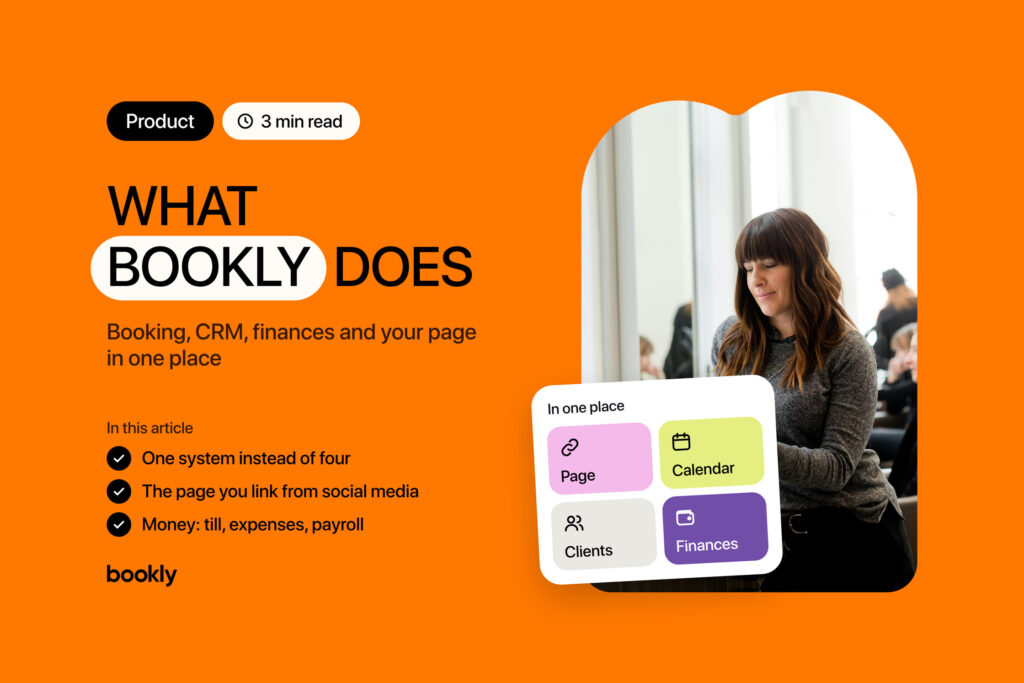
Product
3 min read
What Bookly Does: Booking, CRM, Finances and Your Page in One Place
Clients book their own appointments at a convenient time.
Manage all your appointments in one calendar.
Set up services, prices, and duration.
Add specialists and manage their schedules.
SMS reminders and notifications for clients.
Full history, contacts, and bookings for every client.
One page for all your links.
Build pages without coding.
Add the blocks you need in a few clicks.
Tailor the page to your brand.
Sell guides, files and products from your page.
Share your page with a scan or a tap.
Spaces, statuses, assignees and deadlines for your team.
Your team’s own CRM sign-ins and access levels.
Manage staff work schedules.
Calculate payouts and track earnings.
Evaluate your team’s efficiency.
Accept payment right at booking.
Sell physical products online.
Get paid for services online.
Track every purchase in one place.
Connect convenient payment methods.
Analyze booking volume and trends.
See who brings the income, not only who comes often.
See what your clients choose most.
Know what’s left for you before the month ends.
See your finances down to every operation.
 Beauty Industry
 Fitness & Sport
 Creators
 Service Industry
 Medicine
 Education
 Home & Local Services
 Auto
Auto
real Bookly customer stories
practical tips for businesses
research, statistics, and Bookly data
service business growth and management
new features, updates, and Bookly capabilities
One platform for hundreds of scenarios
Pick your niche and get ready-made tools for bookings, clients, sales, and automation — no complicated setup.
What Bookly Does: Booking, CRM, Finances and Your Page in One Place
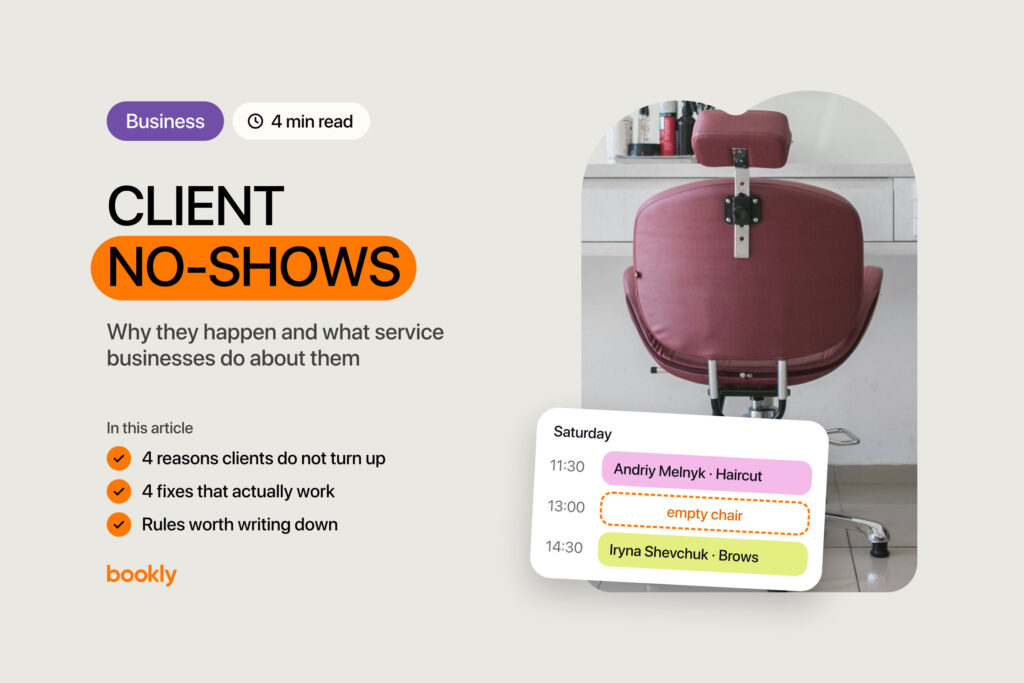
Client No-Shows: Why They Happen and What Service Businesses Do About Them

What Booking Software Costs in 2026: Ukraine and the World
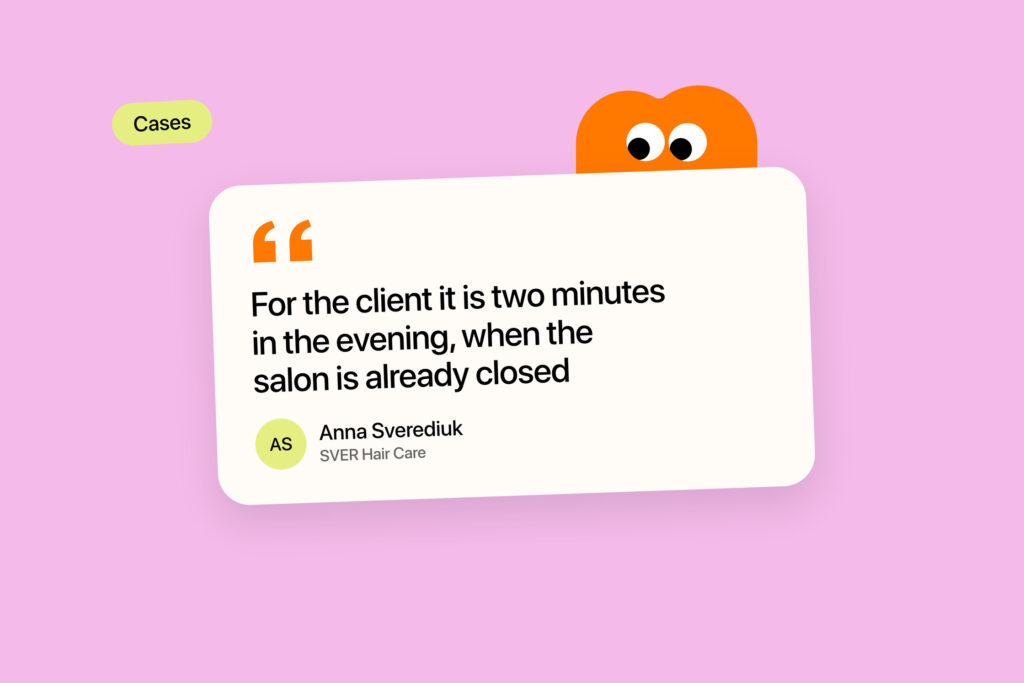
How Anna Sverediuk Runs Her Bookings and Clients With Bookly
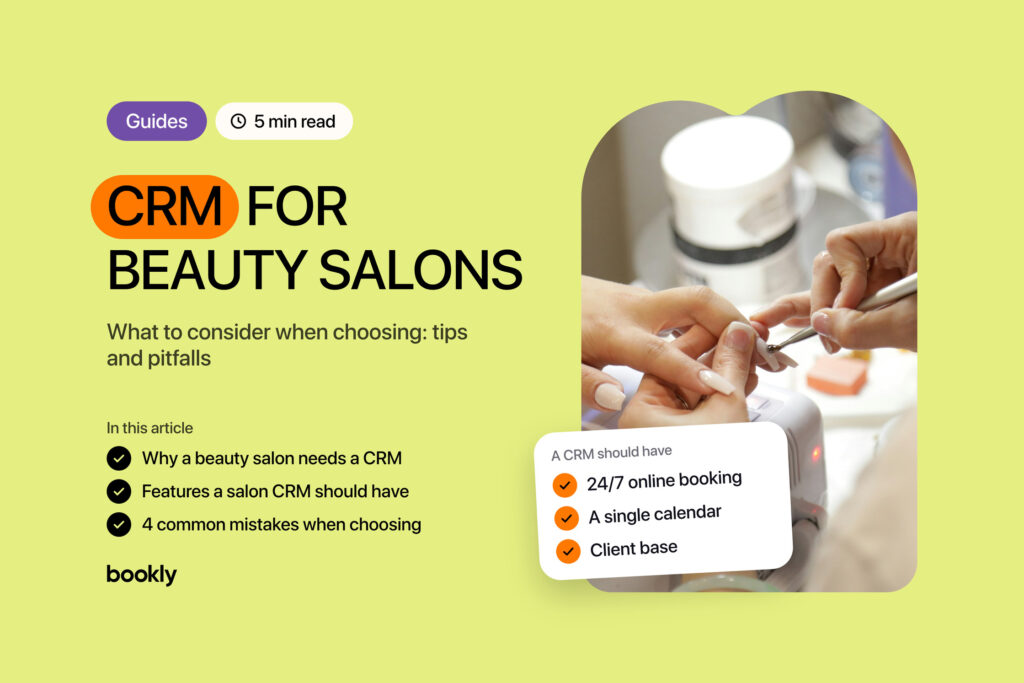
CRM for Beauty Salons: What to Consider When Choosing. Tips and Pitfalls from Bookly.