





Mon
14
A patient just out of knee surgery calls at 6:40 p.m., and you’re mid-session. With online booking for physical therapy, they book an initial consultation from your link, and you add and confirm the rest of the course.
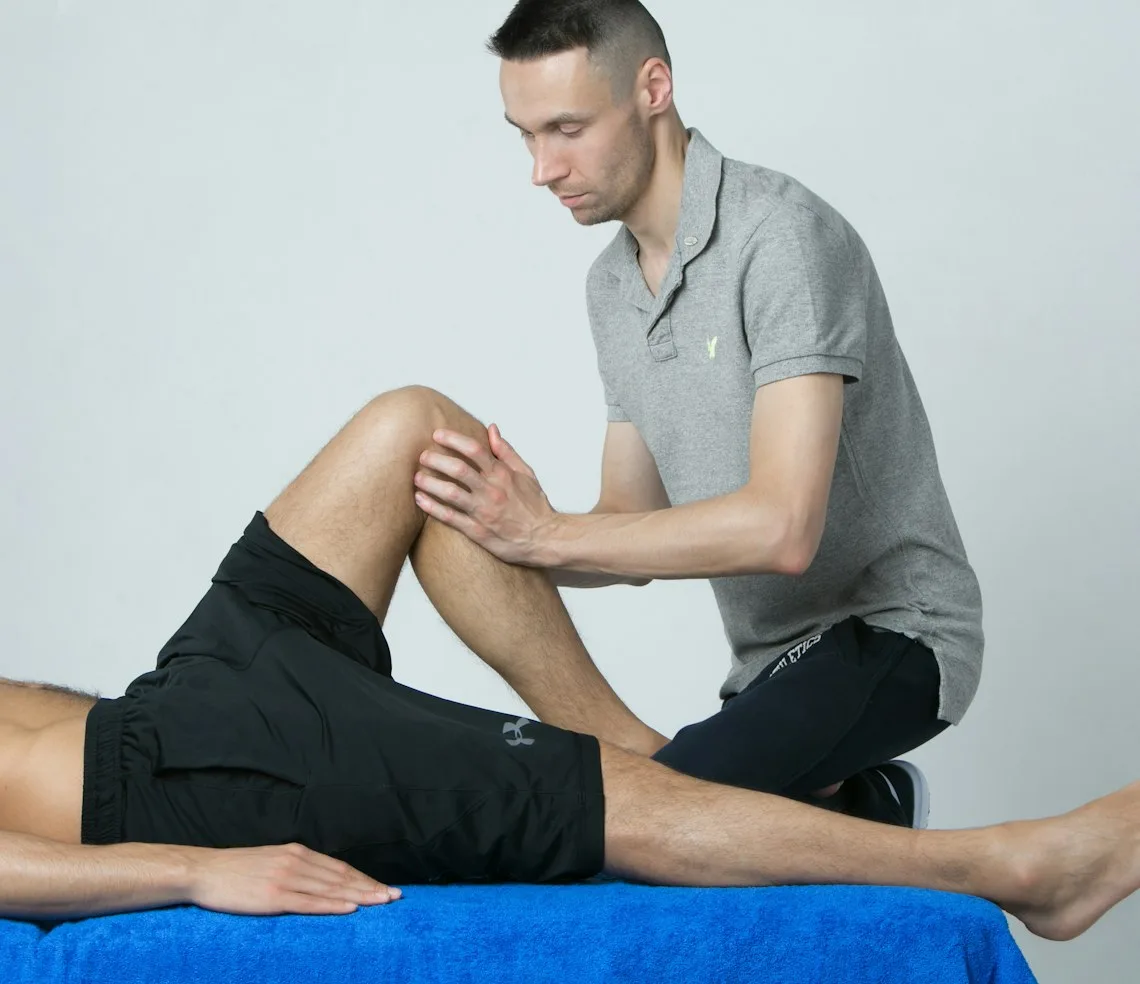
 What changes over a course
Bookly handles booking and reminders, so you can work with the patient, not a paper log and the phone.
 A course, not one visit
Rehab runs as a course: a one-hour initial consultation, then twelve sessions at two or three a week, ideally at the same time with the same therapist. Each session is its own booking: put them on the calendar ahead, confirm them, and the reminders take care of themselves.
 Every session of the course ahead on one calendar
A consultation, a session and taping, each with its own length and price
Booking stays open while you’re mid-session
 No double-booking
A one-hour initial consultation, 45 minutes of exercise therapy, 30 minutes of kinesio taping. On the Team plan, each therapist has their own column and schedule, and patients only see times when the whole session fits. Bookly doesn’t count the gym or treatment room separately: if they’re shared, keep your therapists’ schedules apart.
Each therapist’s own schedule
Breaks on your schedule aren’t offered online
A reminder to the patient the day before
Progress between visits
Three days go by between sessions, a dozen patients pass through your hands in that time, and the details don’t stay in your head. The card shows earlier session dates, the services, how many visits there have been, and your note from last time: knee after surgery, moderate load only.
History of a patient’s visits and treatments
Therapist notes on how the sessions are going
Notes with text and up to 10 photos
 What your rehab clinic gets
Booking, patient cards with visit history, separate forms and supplies in one place, plus every therapist’s schedule on the Team plan. Not a paper log and three group chats.

Booking page
Patients see your services, how long each runs, what it costs and when the therapist has time, so they can book a €55 initial consultation without a call.

The clinic calendar
Consultations, sessions and treatments on one calendar. On the Team plan, you can see which therapist is busy and where the next session of a course fits.

Patient card
Contacts, visit history, completed sessions and therapist notes on one card. Bookly doesn’t keep diagnoses or treatment plans.

A form for new patients
What’s bothering them, when the injury or surgery happened, what they can’t do yet: the short form is a separate page, not a booking step. You send the patient the link, and the answers land in “Requests”.

Supplies
Kinesiology tape, resistance bands, electrode gel, disposable table covers. You update the count under “Materials” by hand and see what’s running low before the cupboard is empty.

Money and bookings
“Finance” shows what each service brought in, how many bookings the period held and how that compares with the one before.
 Quick start
Setup takes an evening: your clinic’s page, services with their lengths, therapist schedules and a link to give the doctors who refer patients to you.

Build your clinic’s page
Add the name, a photo of the gym, the address, your hours and contacts, then add the “Booking” tab, which doesn’t show up by itself. You don’t need a separate website.

List your services and therapists
A 60-minute initial consultation at €55, 60 minutes of physical therapy at €70, 45 minutes of exercise therapy at €45, 30 minutes of kinesio taping at €30. Assign a therapist to each service and tick it under “Details” in the “Booking” tab settings, since the tab doesn’t pick up new services by itself.

Set hours and breaks
Say who works when, and block cleanup and note time as breaks: that time isn’t offered online. Patients see only the hours that are really free.

Share the link
Put it on your Google Business Profile, your website and your bio, and send it to the doctors who refer patients. From then on, bookings come straight to your calendar.
 In numbers
You add a course’s sessions one by one, ahead of time and at hours that suit the patient, and confirm them. The therapist opens the card and sees what was done last time, so the course keeps going instead of starting over.
Try for free
0
Calls for a patient to book a session

1
Link in bio for services and booking

30
Bookings a month free on Basic

53
Social and messaging links for your page


(4.9/5)
50+ businesses already run on Bookly
Fewer midnight DMs.
More
booked clients.
Link in bio, online booking and a CRM in one place. Bookly takes the routine off your plate: confirmations, reminders, your schedule. Free plan forever. No card needed.

Ask it here. The answer appears under your question and stays on the page for the next person looking for the same thing.
Claire
Awaiting an answer
There’s no auto-repeat: each session is a booking. Add sessions ahead on the days and times you need, confirm them, and reminders go out by themselves. There’s no package or course counter: the patient card shows how many visits they’ve had.
Bookly doesn’t track a gym, machine or treatment room as its own resource. One therapist can’t be double-booked, but two therapists can have patients at the same hour, even in one room. So split a shared room between your therapists’ schedules, or, on the Team plan, add the room in “Team” as its own team member, which takes a seat.
It runs beside your EMR, not inside it. Bookly holds the booking, the schedule and contacts: session dates, services and your working notes. Diagnoses, plans of care and clinical reports stay where you keep them, and nothing syncs between the two. Form answers land in “Requests”, open to you and, on the Team plan, to the Full access and Manager levels. We don’t claim HIPAA compliance, so weigh that before putting health details in notes or forms.
Patients can’t move a session through a link: they call or text, and you change the booking. The rest of the course stays where it is, and the CRM offers to text them the new time.
By default, a text reminder goes out the day before, and you can change the timing. In “SMS center”, press “Turn on reminders” and confirm each session: a booking marked “New” gets no reminder and cancels on its own.
Yes, but by hand: Bookly doesn’t take payments online. The patient sends you the money and you add a “Deposit” in “Finance”. A deposit isn’t tied to the course’s bookings and doesn’t hold the time. Once the booking is paid, void the deposit.
Yes. Basic is free forever, no card needed: one therapist and up to 30 bookings a month. Each session of a course counts as a booking, and so do canceled ones. For more than one therapist, you’ll need the Team plan.
Bookly isn’t only for physical therapy and rehab. Pick your own line of work: the same features, arranged around a different kind of day.
Bookly is online booking and a CRM for physical therapists and rehab clinics. Patients book on their own, the sessions of a course sit on your calendar ahead of time, and before each one you see what happened last time.
Rehab rarely fits into one visit. First comes an initial consultation, then twelve sessions spread over the next weeks, and the thread between them has to hold. While that course is written out in a paper log, your front desk has to remember which therapist still has Thursday open. And the phone rings exactly when the therapist has their hands on a patient.
Your booking page takes that back-and-forth off your hands. Patients see what you offer, how long it takes and when the therapist is free, and they book the initial consultation on their own, even late in the evening. You then add the rest of the course in advance, session by session, and confirm each one. Each service has its own length, so a one-hour consultation and 45 minutes of exercise therapy take exactly the time they run. You block cleanup and notes as a break.
A course only works if the patient gets to the end. Text reminders, by default the day before, go out for every confirmed session once you’ve turned on reminders in “SMS center”. When a session has to move, the patient messages you, you put it on a free slot, and the rest of the course stays put. If you take money up front, you add the deposit in “Finance” yourself, since Bookly doesn’t take payments online, and void it once the booking is paid.
Before today’s session, the therapist needs to know what happened at the last one. The patient card keeps contacts, earlier session dates, services and working notes. Bookly isn’t an EMR: diagnoses and plans of care stay wherever you keep them. Tape, bands and electrode gel can go under “Materials”, where you keep the count yourself.











Bookly team