











Mon
14
A client DMs you at 11:42 p.m.: “any openings for a mani?” You wake up at 7 to three more just like it. With online booking for nail techs, she books on her own through the link in your bio, and the CRM keeps your notes.
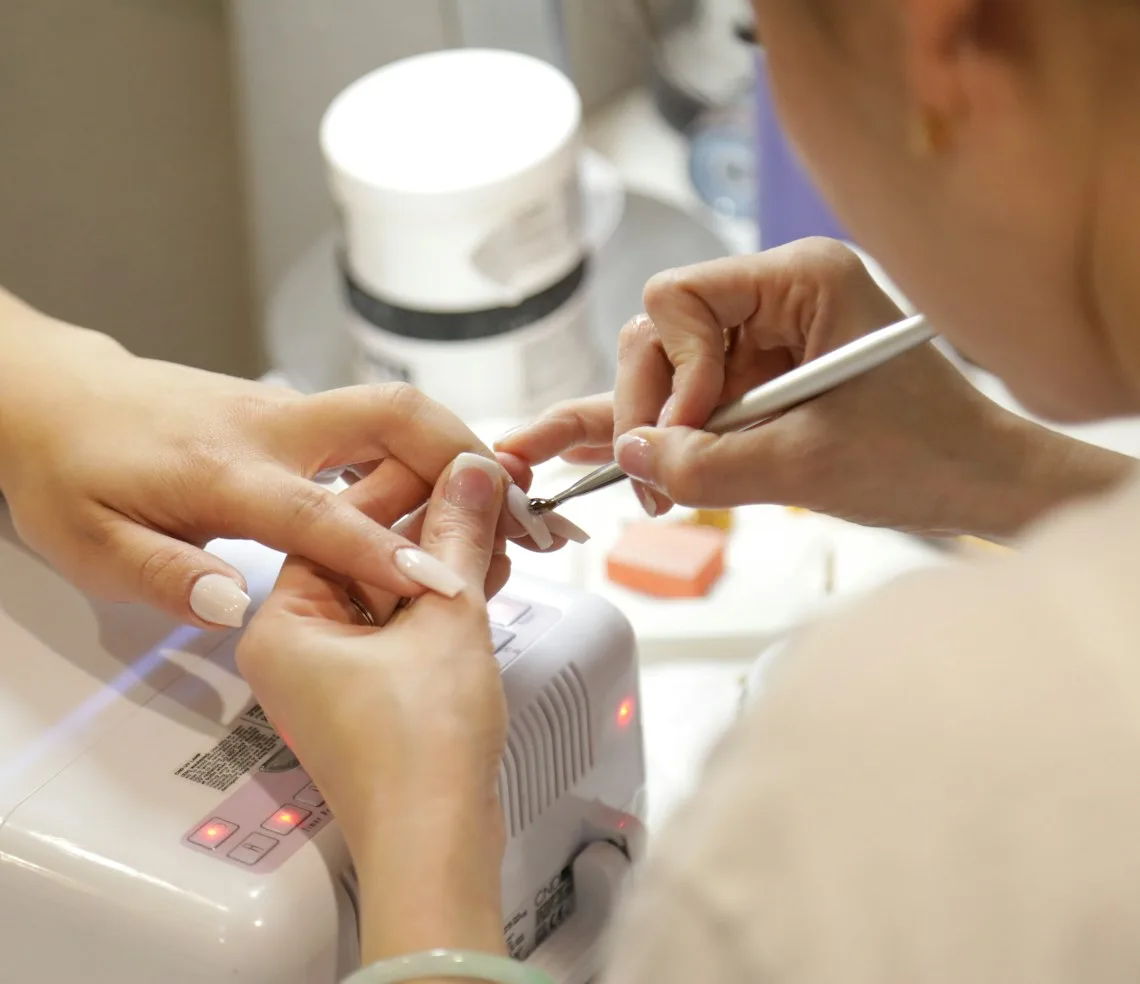
 Everything a studio runs on
Booking, your schedule, visit history and what’s left of your materials, all in one place. Whether you work solo or run a studio on the Team plan, clients book themselves and you see your day.

Treatment booking
Gel manicure, 90 min, €30. Gel pedicure, 75 min, €35. The client sees the duration and the price, picks a time and books on her own.

Your nail techs’ schedule
On the Team plan, all your nail techs share one calendar: who works when, what’s taken, where there’s an opening. Basic and Pro cover one specialist.

The client card
Contacts, visit history, favorite colors and nail shape, all in front of you before she sits down.

Materials on hand
Gels, bases and bits go in “Materials” with a stock level and a reorder point. You update the stock by hand, and you can see what’s running low before it runs out.

A form before the visit
Ask about allergies, preferences and the nail shape a client wants before she’s in the chair. The form has its own page, and “Requests” collects the answers.

Services and payments
See in “Finance” which treatments bring in more and how many bookings got paid this month. On the Team plan, you also see how much each nail tech brought in.
 What the studio gets
Bookly handles booking, reminders and visit records, so your hands stay on nails, not on your phone.
 Booking without DMs
A client decides on a mani in the evening, when you’ve stopped answering. Your page shows treatments, prices and free time, so she books right then, not “tomorrow, when they reply.”
 Treatments with duration and price
Booking stays open when she finally decides
One link for Instagram and stories
 No double bookings
Gel manicure 90 min, gel pedicure 75 min, nail art 30 min: each has its own duration, and the calendar works around it. A reminder, by default the day before, protects your time: clients are less likely to forget.
Every treatment has its own duration
Breaks and days off on the schedule
A reminder before the visit
Rebooking rhythm
A manicure lasts two or three weeks, and that’s when she decides where to go next. Her history shows when she was last in, so you can message her in time, not once she’s in someone else’s chair.
History of visits and treatments
Notes on shape, color and preferences
Rebooking with her own nail tech
 In numbers
Tuesday, 9:15 p.m.: a client wants a 90-minute gel manicure plus 30 minutes of nail art. She only sees the openings both treatments really fit into, and you don’t have to shuffle bookings by hand to make the day work.
Try for free
0
Calls for a client to book her mani

1
Link in bio with treatments, prices and booking

30
Bookings a month free on Basic

53
Social and messaging links for your studio’s page
 Quick start
An evening is enough: set up your page, then add the link to your Instagram bio. You don’t need a separate website.

Create the studio page
Name, address, contacts and photos of your work: style the page your way.

List your treatments
Set the duration and price of each: gel manicure, gel pedicure, extension refill, nail art.

Set your working hours
Set your working hours, lunch and days off. On the Team plan, each nail tech gets her own schedule and treatments.

Put the link in your profile
Add the “Booking” tab to your business page, then put the link in your Instagram bio and stories, and new bookings show up in your calendar.


(4.9/5)
50+ businesses already run on Bookly
Fewer midnight DMs.
More
booked clients.
Link in bio, online booking and a CRM in one place. Bookly takes the routine off your plate: confirmations, reminders, your schedule. Free plan forever. No card needed.

Ask it here. The answer appears under your question and stays on the page for the next person looking for the same thing.
Margot
Awaiting an answer
Yes. Turn on “Multiple services per booking” in your booking settings, and she can pick both for one visit. Bookly looks for an opening that fits all of it: 90 minutes plus 75. On the Team plan, one nail tech has to do both: online booking only offers nail techs who do every service she picked.
She messages or calls you: the “Contact us” button is right on her confirmation screen. She can’t change the booking herself, so you move it by dragging it in your calendar, or cancel it from the booking card.
Yes. Her card holds her bookings, her history and your notes on shape and color, and you can add photos of past designs to a note.
Yes, in “Materials”: what’s left of your gels, bases and consumables, plus a reorder point. The stock doesn’t go down by itself, so you update it by hand.
No. A client opens your link in the browser, picks a treatment and a time, enters her name and phone number, and confirms with a code by text.
That’s your call, but Bookly doesn’t take payments online. A client sends you the deposit herself, and you add it in “Finance” as a “Deposit” operation. It isn’t tied to the booking. For forgotten visits, there’s a text reminder, by default the day before.
Bookly works in your browser, so there’s nothing to install, and Basic stays free forever, no card needed: up to 30 bookings a month and one specialist in the calendar. A studio with several nail techs needs the Team plan.
Bookly isn’t only for nail studios. Pick your own line of work: the same features, arranged around a different kind of day.
Bookly is online booking and a CRM for nail techs and studios: the link in your bio, your treatments and booking in one place, free forever on Basic. The client books on her own, treatments of different lengths fit into a day without double bookings, and the last-visit date on her card tells you when she’s due for a refill.
Nail work runs on rhythm: clients come back every two or three weeks, and they decide to book in the evening, when you’ve stopped checking DMs. If you reply in the morning, some of them have already booked elsewhere, not because it’s better, but because someone answered right away.
Online booking takes that pause away. The client sees treatments, durations and prices, picks a free time and books it herself. The booking goes straight into your calendar, and a reminder, by default the day before, means fewer empty chairs.
Nail salon scheduling stops being a headache: a gel manicure takes 90 minutes, a gel pedicure 75, nail art 30, and it all fits around your breaks and days off. Your schedule stays free of double bookings, and on the Team plan every nail tech gets her own column.
The CRM keeps visit history, preferences and your notes, and “Materials” shows what’s left of your gels and consumables, which you update by hand. That puts two things in front of you: when a client was last in, and which materials are running low.












Bookly team