


 Blocks
What a page can hold, and how the client sees it
A client is in your DMs again, asking where to see your work and what it costs. The answer goes on your page, starting with the links to put in bio. The “Add content” window has links and groups, video, photos, text and products. On a business page, booking, reviews and forms open on their own tabs.

Free plan forever. No card needed.




 The block catalog
What to put on your link in bio page
Five categories in the “Add content” window and three business page tabs, each with its own link: booking, reviews and forms. Every card names the blocks the way the editor names them.

Links and groups
“Single link”: paste a link and the title and icon fill in by themselves. “Link group” puts several in one block, laid out as “Classic link”, “Grid link”, “Card link” or “Carousel link”.
Media
Video from YouTube, Vimeo, TikTok, Twitch, Instagram and Threads. Pick a mode: “Video link preview” or “Embedded video”, which plays right on your page.

Photo
A “Classic” gallery as a feed or a “Carousel” of slides, with one aspect ratio for every frame. Your own shots or free Unsplash photos right in the editor.

Blog
Four text blocks: “Classic text”, “Text with image”, “Featured text” and “Dropdown text”. The title and the button are optional, and long text collapses behind “Show more”.

Product
“Product link”: a card with a photo, a name and a price, and a click takes clients to any store you link to. Several products make a showcase in one block.

Booking, reviews and forms
A booking block with services and specialists, a reviews page with stars or hearts, and a form that sends every answer to “Requests” in the CRM. On a business page, each lives on its own tab.
Link group
One group, four layouts
A group has an optional title and description, and you pick the layout on the “Layout” tab: “Classic link” as rows with icons, “Grid link” as tiles, “Card link” with a large photo and “Carousel link”, which swipes sideways. Change the layout any time: the links stay the same.
-
 “Classic link”, “Grid link”, “Card link”, “Carousel link”
-
The group’s title and description are optional
-
The layout changes, the links stay


 Blog
The same text, four looks
The “Blog” category gives you four text blocks: “Classic text” with just words, “Text with image”, where the picture sits at the top or the bottom, “Featured text” with a full-width banner and “Dropdown text”, which opens with a tap. The title and the button under the text are optional.
-
“Classic text”, “Text with image”, “Featured text”, “Dropdown text”
-
The image at the “Top” or “Bottom”, with or without padding
-
Long text collapses behind “Show more”
Media and photos
Link in bio video and photos, right on your page
Paste a video link and the block recognizes the platform on its own. Photos come from your device or from Unsplash without leaving the editor, and clients swipe through the carousel.
Six platforms
YouTube, Vimeo, TikTok, Twitch, Instagram and Threads. The block shows vertical TikTok and Instagram videos in their own aspect ratio, not in a cropped frame.

Two video modes
“Video link preview” opens the video on its platform, and “Embedded video” plays right on your page, so clients never leave it.

Unsplash photos in the editor
Your own shots, or free Unsplash photos you can search right in the editor. One aspect ratio for the whole gallery, so the feed never looks uneven.
Carousel
Link groups, photos and media all have a carousel layout: slides swipe sideways, and your page stays short.
Videos

 How we do a blow-dry
Studio work
 Hair
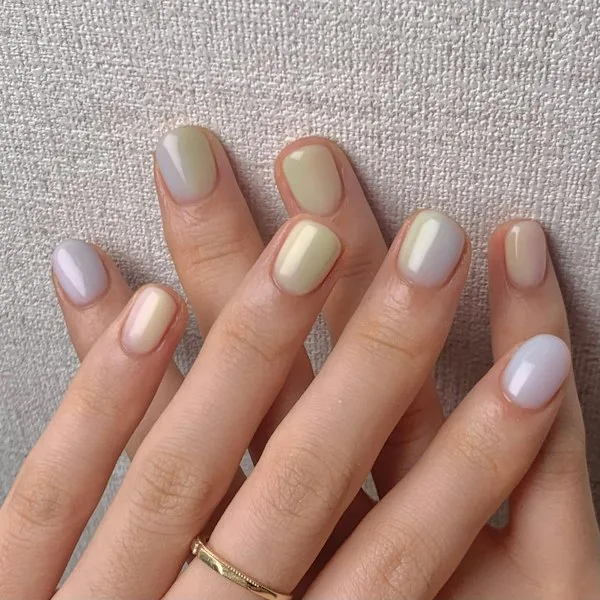 Nails
 Brows
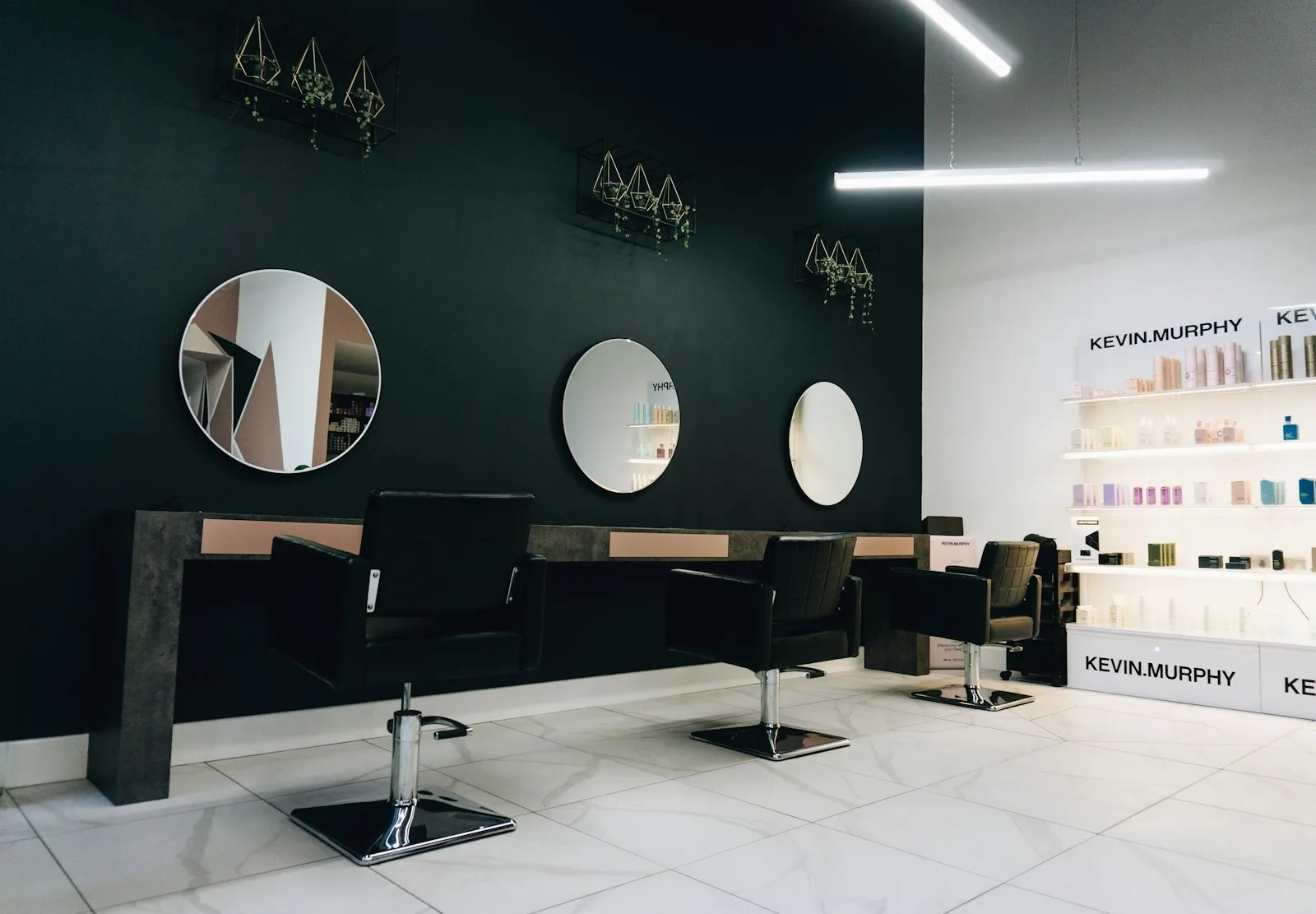 Studio

Why we switched to online booking
I used to keep every booking on Instagram and in notes. Now clients pick the specialist and the time themselves, I see the day in the calendar and no longer answer messages at ten in the evening. In the first month we had a third more bookings and almost no no-shows: the reminders go out by themselves.
Show more
Gift certificates
Gift certificate
€40

 Blocks in numbers
How many options each block has
It’s all in the editor already: four link group layouts, four text blocks, six video platforms and two photo layouts.

4
Link group layouts

4
Text blocks in the “Blog” category

6
Video platforms in the “Media” block

2
Photo layouts: “Classic” and “Carousel”
 Booking and reviews
 on their own tabs
The booking block shows services and specialists with their free time, lets clients book several services in one visit and won’t let anyone pick a time that’s taken. Confirm bookings manually or automatically, that’s your call, and the “Accept bookings” switch pauses booking. Next to it, a reviews page with stars or hearts.
Confirming is up to you
“Require manual approval” or “Automatically confirm bookings”. “Prevent double booking” blocks taken hours either way.
Reviews with moderation
“Review before publishing” or “Publish automatically”, “Only verified clients” and the owner’s reply under a review. A rating in stars, hearts, faces or a 1 to 5 scale, up to 10 photos.


 Product and forms
A product and a form are blocks too
The “Product” category gives you a “Product link”: a card with a photo, a name and a price that links to any store. On a business page, a form with the fields you choose lives on its own tab, and every answer lands in “Requests” in the CRM right away.
Every niche works its own way, one Bookly for you
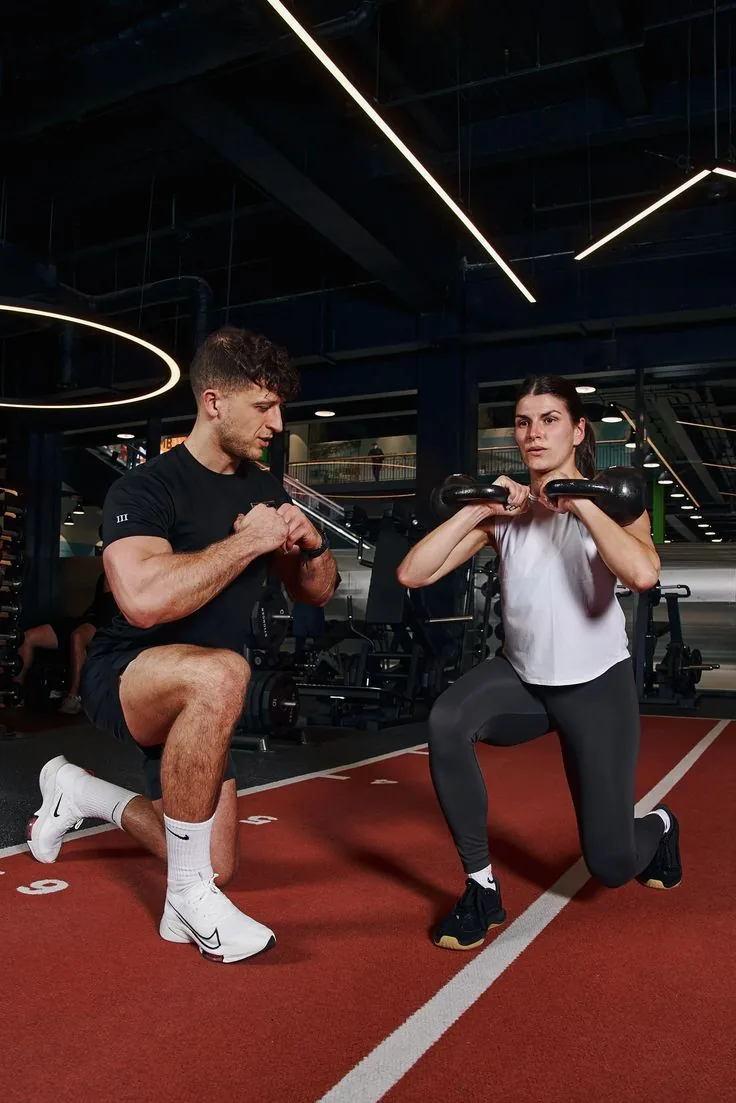
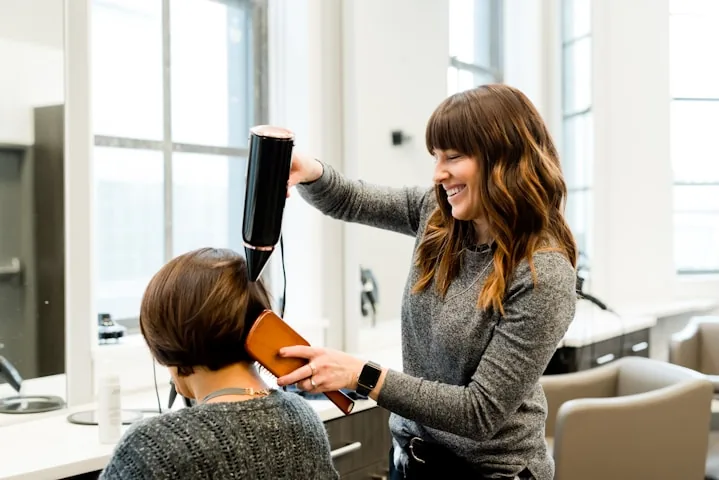
Pick your niche and see how Bookly keeps track of bookings, clients and sales in your line of work.







(4.9/5)
50+ businesses already run on Bookly
Fewer midnight DMs.
More
booked clients.
Link in bio, online booking and a CRM in one place. Bookly takes the routine off your plate: confirmations, reminders, your schedule. Free plan forever. No card needed.
