CRM for beauty salons: how to choose one

ELROI
What is a CRM for a beauty salon
Friday’s bookings are in a paper book. A reschedule got lost in your DMs. A client’s number is on the phone of a specialist who’s off today. So every evening you check it all by hand to make sure two clients don’t show up at the same time. If you’re figuring out how to choose a CRM for a beauty salon, here’s what to test before you pay and where people usually go wrong.
A CRM for a beauty salon is one place for your bookings, clients, team and payments. Your front desk sees the whole day, each specialist sees their own bookings, and you see the workload and the income. No spreadsheets, no digging through chats.
A CRM does more than store your bookings. It takes the evening double-check off your plate and helps you hold on to your clients.
Why a beauty salon needs a CRM
When you only have a few clients, a phone calendar, a notebook and your DMs are enough, because it all fits in your head. Every new specialist and service makes that harder. Your front desk answers “when do you have an opening?” every day. Two clients end up booked for the same time. A client’s history is scattered across spreadsheets and chats, so someone has to ask her all over again.
A CRM pulls all of that into one place. Reminders go out without you typing them, the team works from one calendar, and you see income and workload without adding anything up.
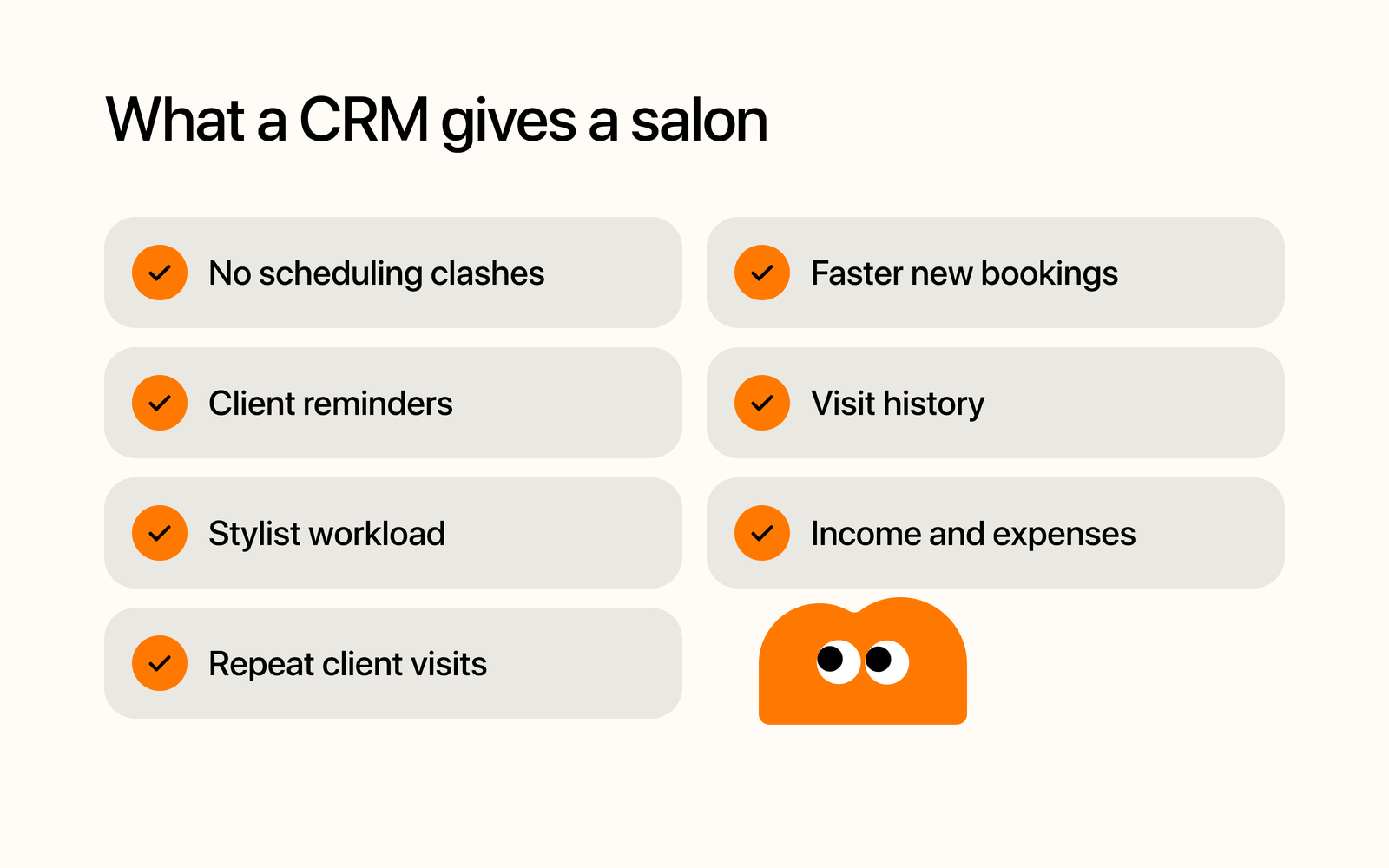
A CRM helps you:
- avoid scheduling conflicts;
- see and confirm new bookings faster;
- automatically remind clients about their visit;
- keep a history of visits;
- track how busy each specialist is;
- see income and expenses;
- find clients you haven’t seen in a while and invite them back.
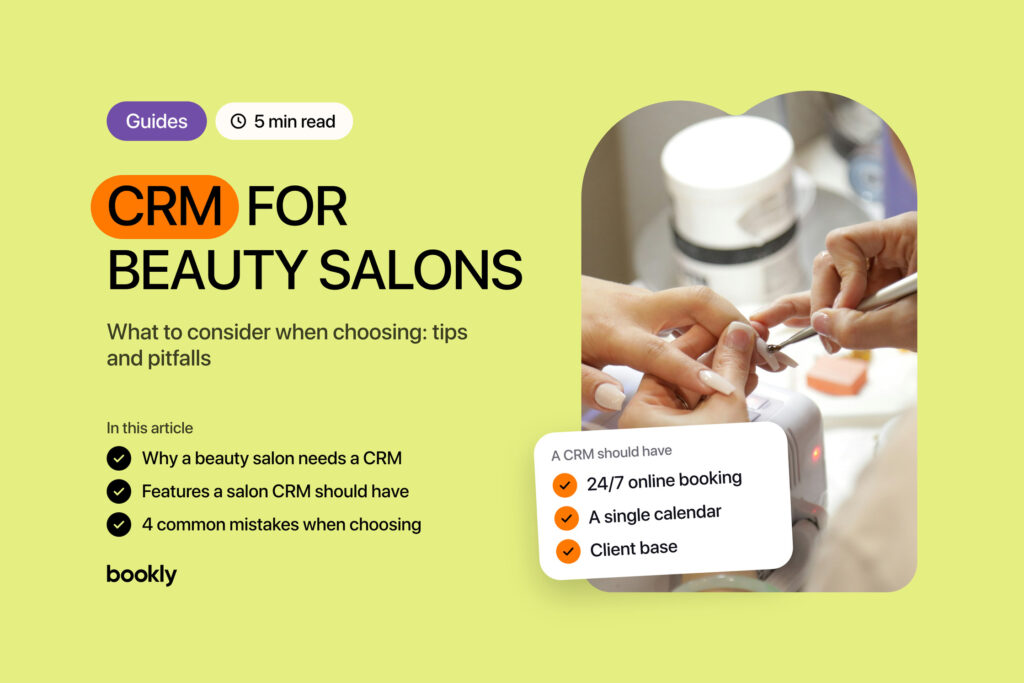
Salon CRM features that matter
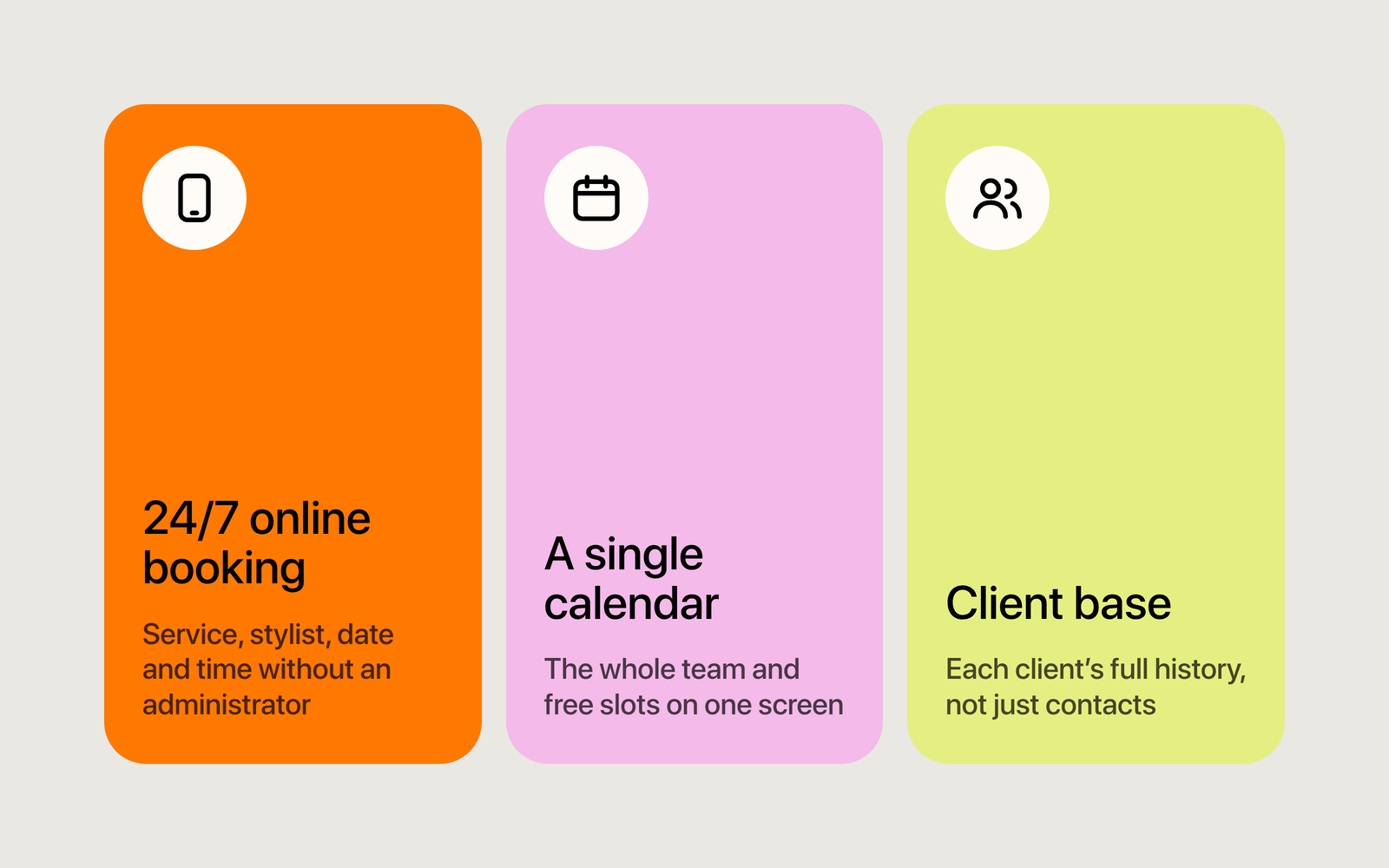
Online booking, even at 2 a.m.
Late at night, long after your front desk has gone home, a client finally makes up her mind about that color. If she has to message you and wait until morning, she may book with someone else. So first check that she can book without any back-and-forth.
The client should be able to choose on their own:
- the service;
- the specialist;
- the date;
- a convenient time.
Good online booking works around your specialists’ schedules, service lengths and the time that’s already taken, so clients only see what’s really free. Before you pay, make a test booking on your own phone and count the steps your client goes through.
A single calendar
The calendar is where your salon’s whole day lives, so it has to be clear and quick, however many specialists and bookings you have.
Try adding a booking, moving it, canceling it and opening one specialist’s schedule. If your front desk takes a long time to find an opening or check a schedule, the problem is the screen, not the person.
Check that you can:
- create and move bookings;
- block off breaks, days off and vacations;
- view the whole team’s day or just one specialist’s;
- avoid double-booking a specialist;
- add regulars’ next visits ahead of time and confirm them.
Client base
You already have a contact list on your phone. But when every visit adds the service, the date and a note to the client’s card, nobody has to ask what she had done last time.
Your front desk can answer her question right away. You can see who comes often, who hasn’t been in for a while and which services bring in the most. Over time, that client base becomes the thing you least want to lose.
Common mistakes when choosing a salon CRM
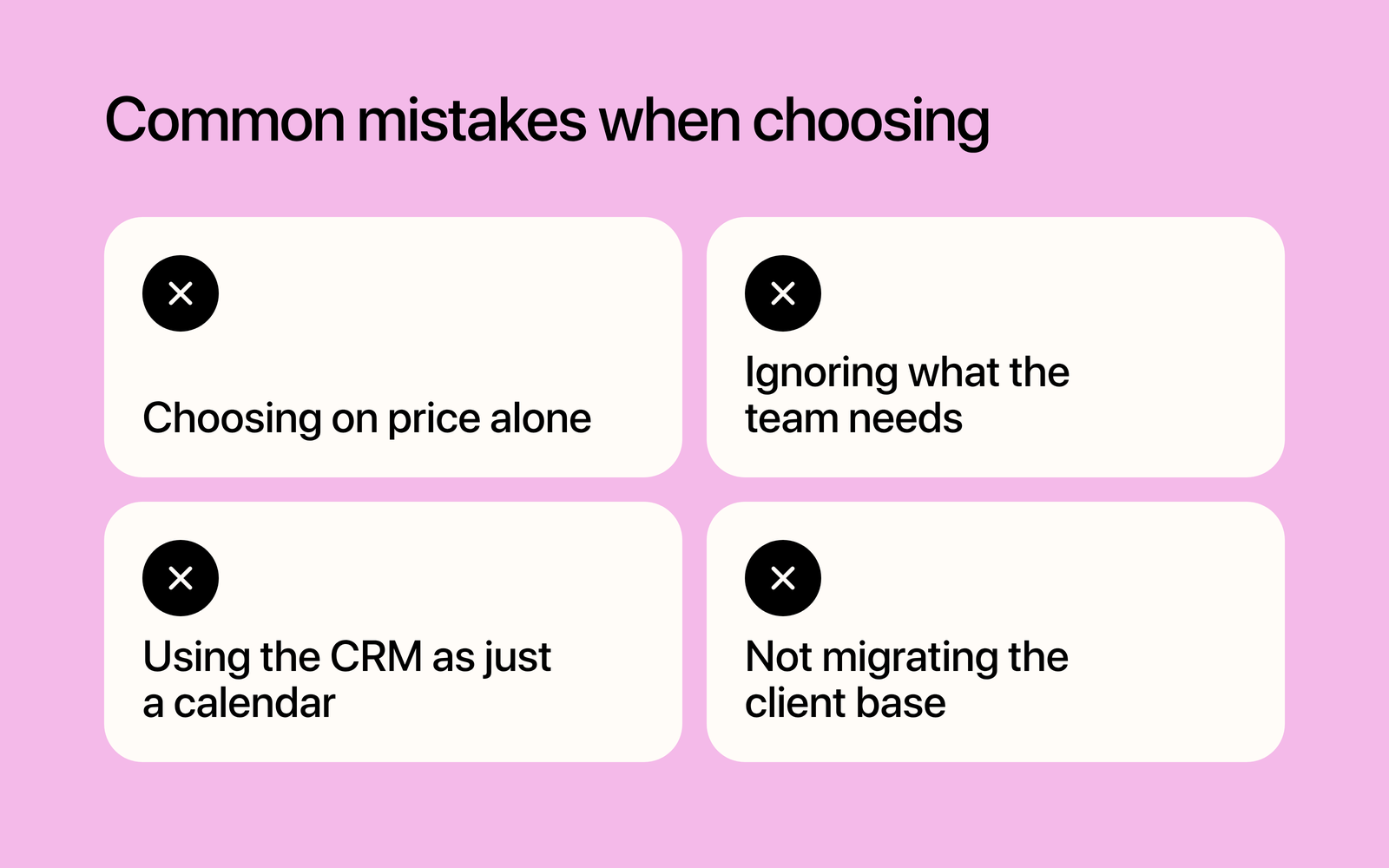
Choosing on price alone
The cheapest CRM can look like a bargain, but it may not have what you need every day: online booking, reminders, payroll or clear reports. The most expensive ones often go the other way, with modules and integrations a small salon will never open. Either way, you’re paying for something that doesn’t bring in bookings. List what you actually do every day and compare CRMs against that list. And if there’s a free plan, look at exactly where it ends.
Ignoring what the team needs
Even a good CRM won’t help if your front desk and specialists find it awkward: crowded screens and confusing logic only add mistakes. First figure out who’ll be in it every day. Your front desk needs to create and move bookings fast, a specialist needs their own schedule, and you need the finances and the workload. Let them try it before you decide.
Using the CRM as just a calendar
Signing up changes nothing by itself. If you only use your CRM as a calendar, most of it sits idle. Set up booking confirmations right away, along with a reminder before the visit and messages about a new time or a cancellation. That’s what helps cut no-shows and takes work off your front desk.
Not moving the client base over
While client details sit in spreadsheets, notebooks and your specialists’ phones, you only get part of what a CRM can do. The information stays scattered, and whether it’s current depends on one person.
So before you choose, ask how to move your client base to a new CRM: is there an import, or will you add clients by hand? If it’s by hand, start with your regulars. Once they’re in one client base, you can book them faster and message a client when it’s time for a repeat treatment.
Why you should try Bookly
Bookly is your link in bio, online booking and a CRM in one place. Clients book themselves on your page, the booking shows up in your calendar, and the client’s card creates itself. There’s no client import: you add your regulars by hand, and the rest appear as they book online. Clients get a text reminder, by default the day before. Press “Turn on reminders” in “SMS center” and confirm new bookings. You mark each payment in the booking and see it in “Finance”, because Bookly doesn’t take payments online. Looking for a free CRM for beauty professionals? Basic is free forever, no card needed: up to 30 bookings a month and one specialist in the calendar. On Basic, you buy texts separately. If you have several specialists, that’s the Team plan: each has their own column and schedule. The plan already includes 3 team members, and you pay for each one after that. They sign in to the CRM with their own email: your front desk runs the bookings at the “Manager” level, and the finances stay with you. On Basic and Pro, only you sign in to the CRM.
Bookly takes the routine off your hands, and the conversations with your clients stay yours. Try for free, no card needed.
Enjoyed the article?
Share it with colleagues or friends. It might save them a few common mistakes.