CRM for Beauty Salons: What to Consider When Choosing. Tips and Pitfalls from Bookly.

ELROI
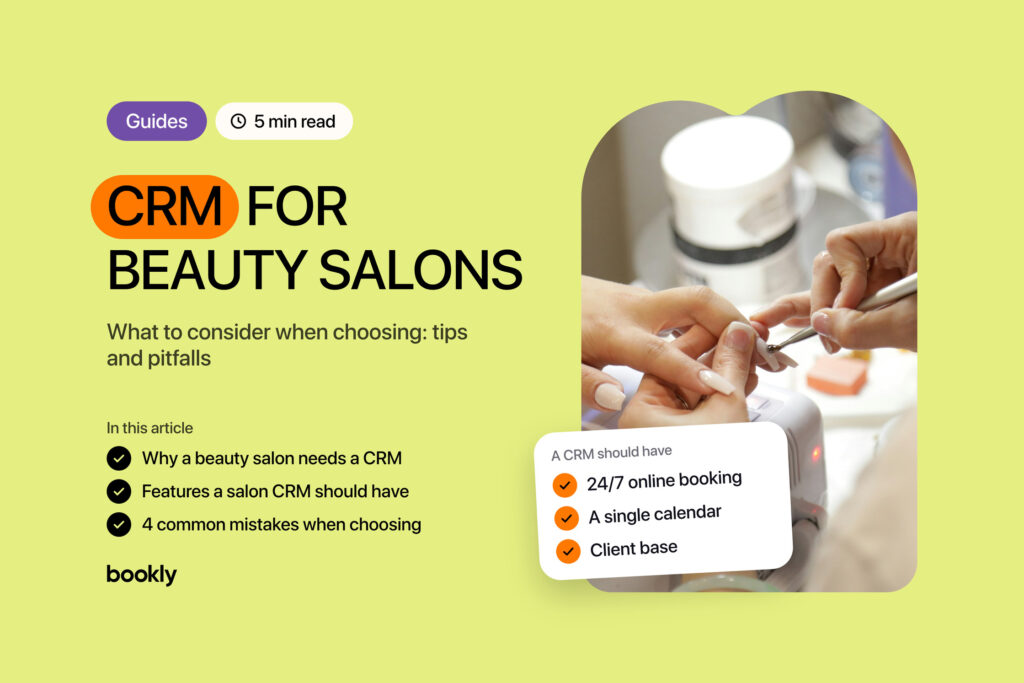
What Is a CRM for a Beauty Salon
A CRM for a beauty salon is a system that helps manage bookings, the client base, staff, payments, and client communication all in one place.
Instead of several spreadsheets, messenger chats, and notebook entries, the team works in a single space. The administrator sees the up-to-date schedule, stylists see their own appointments, and the owner sees the salon’s workload and financial performance.
A CRM doesn’t just store bookings. It helps a salon rely less on manual work and stop losing clients.
Why a Beauty Salon Needs a CRM System
When a salon is just starting out, bookings can be tracked in a calendar, a notebook, or a messenger app. In the early stages this is often enough, since the number of clients is small and most processes are easy to manage by hand. But as the number of stylists, services, and bookings grows, this approach quickly starts causing problems. The administrator spends more time on back-and-forth messages, the risk of scheduling clashes increases, and client information ends up scattered across different places, making it hard to find.
A CRM system helps bring all daily processes together in one space. It automates routine tasks, simplifies the team’s work, and lets the owner track key business metrics without relying on dozens of separate tools or spreadsheets.
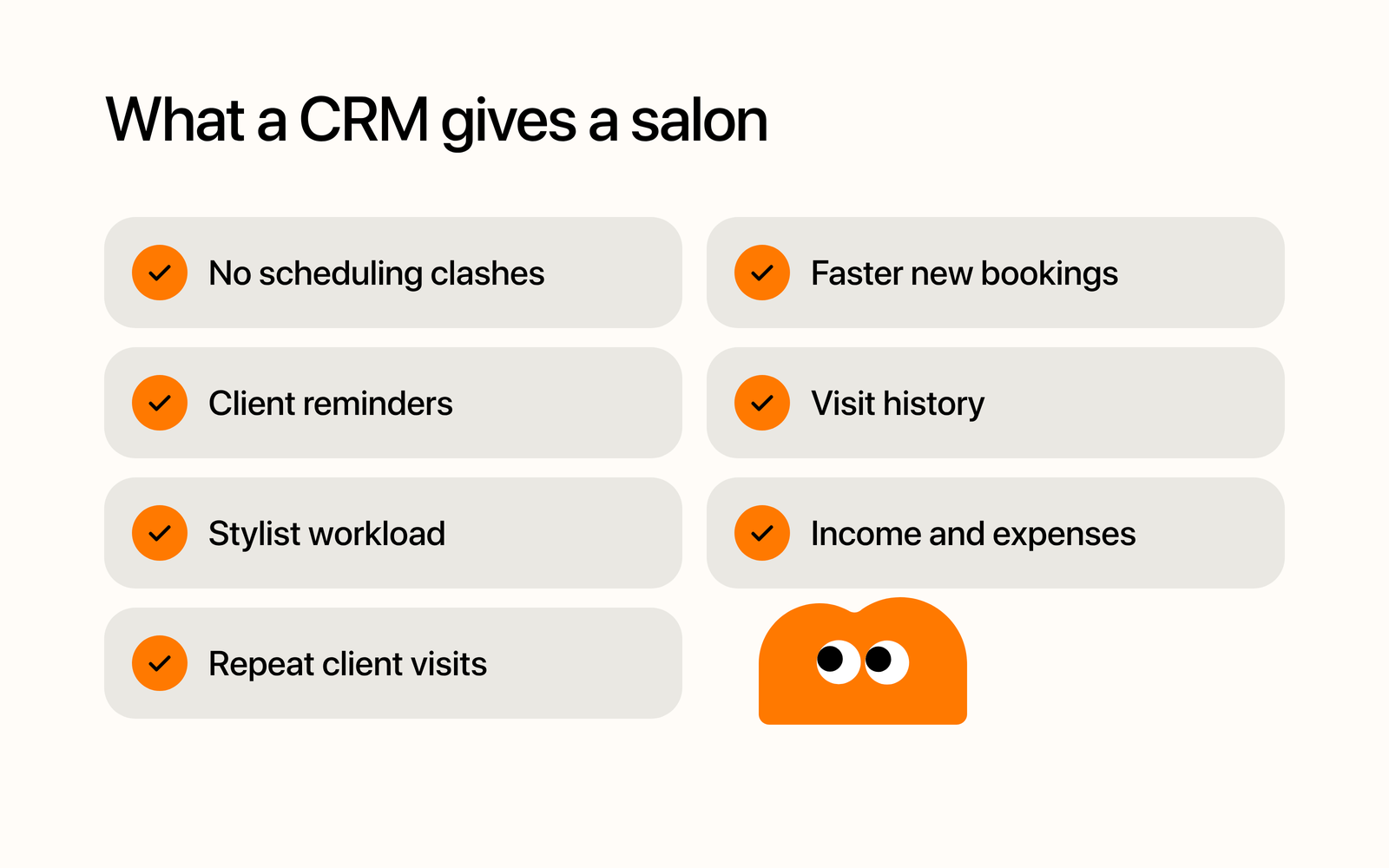
A CRM helps you:
- avoid scheduling clashes;
- process new bookings faster;
- automatically remind clients about their visit;
- keep a history of visits;
- track how busy each stylist is;
- see income and expenses;
- bring clients back with repeat offers.
What Features a Salon CRM Should Have
24/7 Online Booking
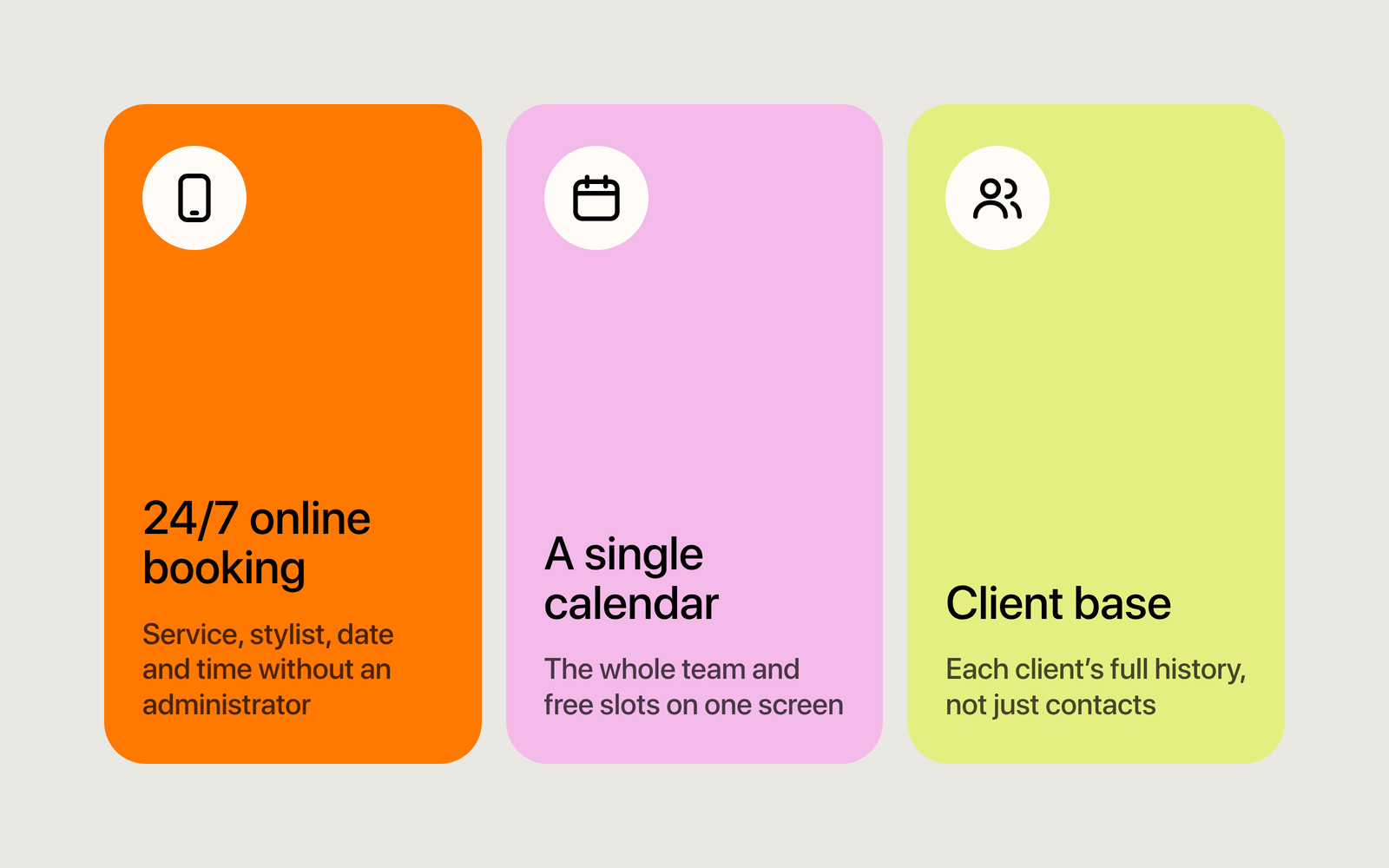
One of the most important features of a modern CRM is self-service online booking. A client should be able to choose the service, stylist, date, and a convenient time slot at any time, without having to message the administrator or wait for a reply.
The client should be able to choose on their own:
- the service;
- the stylist;
- the date;
- a convenient time.
A well-built online booking flow also automatically accounts for stylists’ schedules, service duration, and available time slots, which practically eliminates the risk of double booking.
A Single Calendar
The calendar is the central element of any CRM, since it’s where all of a salon’s daily work is displayed. It needs to be clear, fast, and let you instantly find the information you need, no matter how many staff members or bookings there are.
A good calendar makes it easy to create new bookings, reschedule or cancel visits, view individual stylists’ schedules, and track how busy the whole team is. If the administrator spends a lot of time looking for free slots or checking the schedule, that’s a sign the system’s interface isn’t user-friendly.
It’s important that the system lets you:
- create and reschedule bookings;
- block off non-working hours;
- see how busy each stylist is;
- avoid double bookings;
- work with recurring bookings.
Client Base
A CRM should be more than just a list of contacts — it should be a complete database about every client. The more useful information builds up after each visit, the easier it is for the team to deliver quality, personalized service.
With a full interaction history, the administrator can quickly answer a client’s questions, while the owner can analyze audience behavior, service popularity, and repeat sales. In the long run, the client base becomes one of the business’s most valuable assets.
Common Mistakes When Choosing a CRM
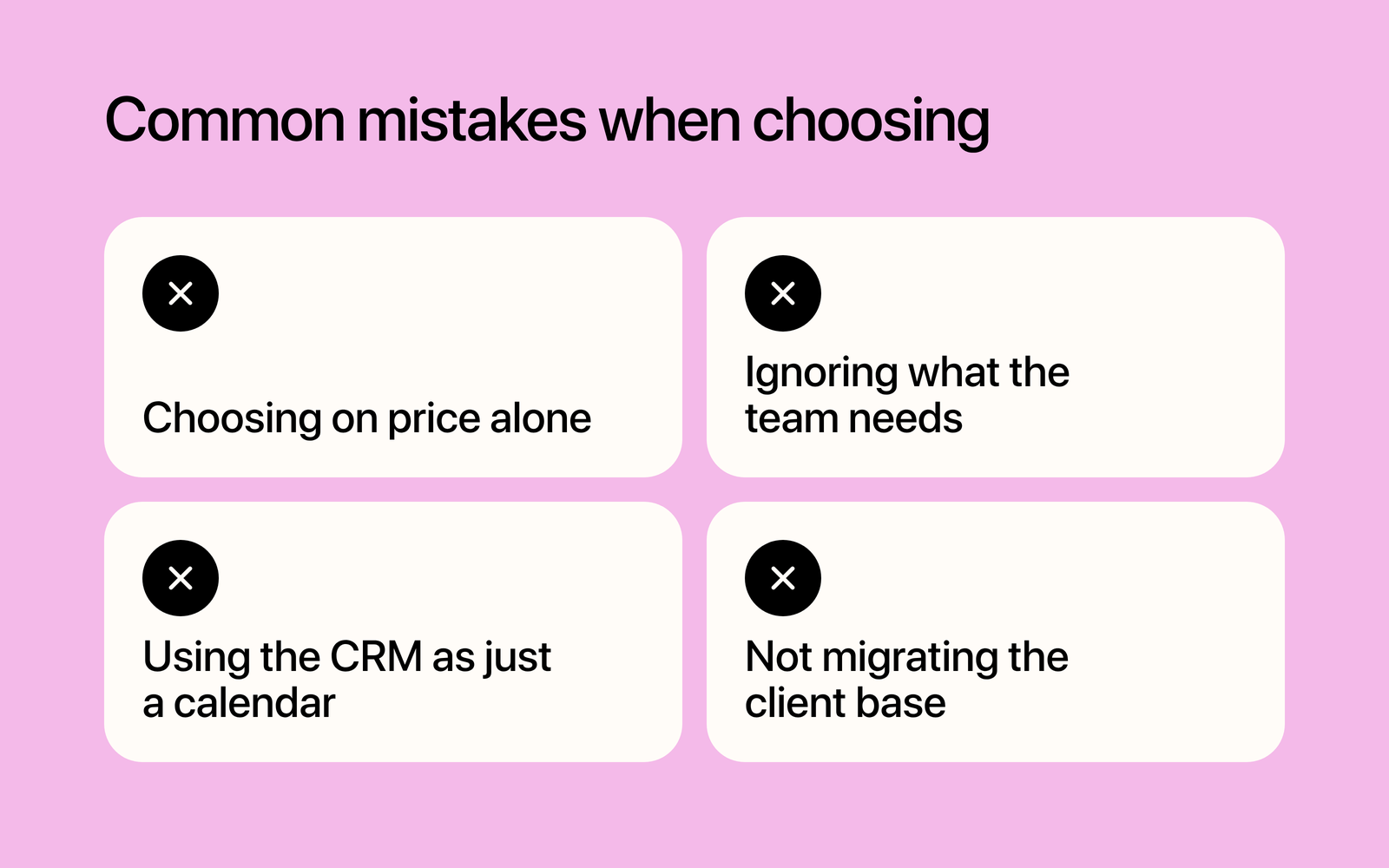
Choosing on price alone
The cheapest system can look like a bargain at the start, but it often lacks the features a salon needs every day — online booking, automatic reminders, payroll, or proper analytics. The most expensive ones go the other way: dozens of complex modules and integrations a small salon will never open. Either way the business pays for something that does not change the quality of its work or the number of bookings.
Ignoring what the team needs
Even a modern, capable CRM is worth nothing if the administrators and stylists find it awkward. An overloaded interface or unclear logic only adds mistakes. Before choosing, work out who will actually use it every day: the administrator needs to create and move bookings quickly, a stylist needs to see their own schedule, and the owner needs the finances, the workload and the team’s performance.
Leaving automation switched off
Connecting a CRM is not by itself what makes a salon run better. Used as nothing more than a digital calendar, most of it stays idle. Set up the automatic booking confirmations, the reminder before the visit, and the notices about reschedules and cancellations — that is what cuts no-shows and takes work off the administrator.
Not migrating the client base
While client information stays in a few spreadsheets, notebooks and staff phones, the salon never gets the full value of a CRM. The data stays fragmented, and how current it is depends on one particular person.
A single base makes it possible to personalise communication, serve regulars faster, and make sharper offers — a reminder about a repeat treatment, or a service the client has already had.
Why You Should Try Bookly
Bookly brings together all the tools needed to run a modern beauty salon in one service. Online booking, CRM, automatic reminders, finances, client base, and analytics work together so your team spends less time on routine tasks and more on growing the business and delivering great service.
Bookly isn’t just a CRM. It’s a single platform that helps you attract clients, manage bookings, automate processes, and grow your business without unnecessary complexity.
Enjoyed the article?
Share it with colleagues, friends, or business owners — it might help them avoid common mistakes.