


 Services
Describe your services once, then clients book themselves
Another DM asking “how much is it?” Your service price list for online booking answers before you do: price, duration and photos are already on your page. Bookly figures out the free time.

Free plan forever. No card needed.







 One menu
Clients have nothing left to ask when they can see it all up front

The client sees the price and the duration before booking, and you see how many bookings and specialists every service has. One menu serves both your online booking page and the calendar.
Price and duration flow into the booking
When you create a booking, the price and the duration come from the menu, and the end of the visit is set for you. Client buying shampoo too? “Add extra service or products” adds it to the booking, and the total updates.
Several services in one visit
Choose “Multiple services per booking” in your booking block, and a client can pick several services as one visit. Bookly offers only the specialists who perform all of them.
New service
Fill in the form, and the service is on your menu
Photo, name, category, price type, duration and specialists. In the “Extra booking time” section you set minutes before or after the booking: for prep, cleaning or a break.
Three price types
“Fixed price”, “Price from” or “Negotiable”. You agree on a negotiable price with the client before you confirm the booking.
Time before and after
Separate minutes before the booking and after it. The client never sees them, and your booking page takes them into account when it looks for free time.
 Service card
Everything about a service in one card
The name, photo, price and duration on the card show up on your booking page, and your calendar puts the price and duration into every new booking.

Service photo
Add a photo to every service. The client sees it in the menu on your online booking page.

Three price types
A fixed price for a lesson, “from” for a manicure, negotiable for a tattoo. You discuss a negotiable price with the client before confirming.

Exact duration
From 5 minutes to a whole day. Bookly uses it to set the end of the visit and the free time after it.

Service categories
Group services into categories with their own color, icon and description. A badge shows how many services are in each one.

Who performs it
Assign the specialists who perform the service. Online booking offers clients only those specialists.

Extra time
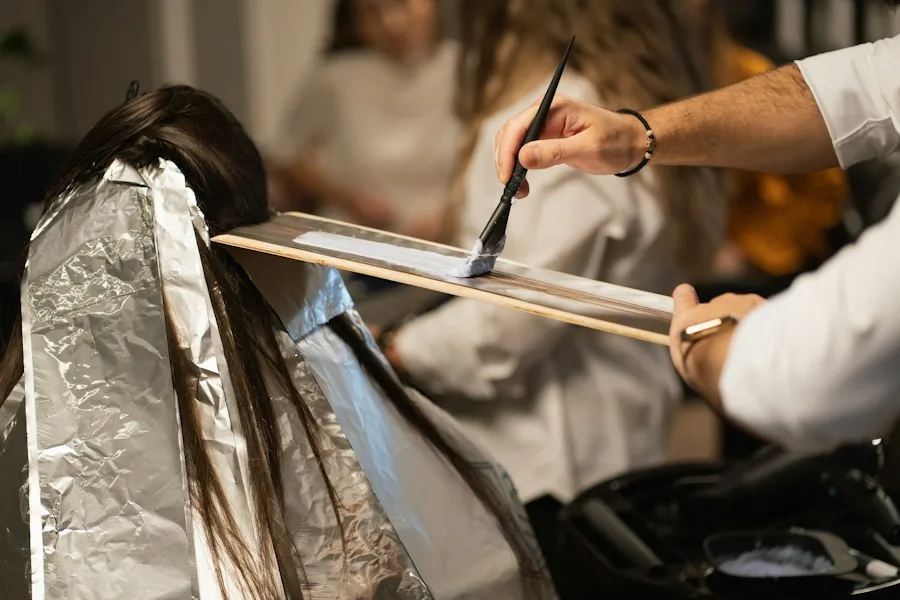
After hair coloring you need to clean up, and before a massage you need to get the room ready. That’s why you add minutes before or after the booking.
 The menu in numbers
The limits every service lives within
Everything you can set for a service has clear limits: three ways to name a price, a duration from five minutes to a whole day, and extra time set separately before and after a booking.

3
Price types: fixed, “from”, negotiable

5 min
The shortest service duration

24 h
The longest service duration

2
Time before a booking and time after it
Every niche works its own way, one Bookly for you
Pick your niche and see how Bookly keeps track of bookings, clients and sales in your line of work.










(4.9/5)
50+ businesses already run on Bookly
Fewer midnight DMs.
More
booked clients.
Link in bio, online booking and a CRM in one place. Bookly takes the routine off your plate: confirmations, reminders, your schedule. Free plan forever. No card needed.
